
Introduction
If you are buying customer support software today, you need more than a basic ticketing system. This definitive customer support software buyer's guide and best practices manual provides the insights necessary to evaluate, select, and implement a platform that drives both retention and operational efficiency.
The role of customer support has fundamentally shifted. Once viewed merely as a cost center, it has evolved into a critical revenue driver and a primary differentiator for brand loyalty. In an era where product features are easily replicated, the quality of the support experience dictates customer retention.
Reflecting this shift toward advanced analytics and retention automation, the global Customer Success Platforms market is accelerating, projected to reach over $9 billion by 2032.
Streamline your software evaluation process
For B2B buyers, VPs of Operations, and IT procurement leads, this market saturation presents a complex challenge. Selecting the right stack is no longer just about buying a "help desk"; it is about architecting a customer journey that scales.
Modern teams are not just looking for a place to store emails—they require ticket deflection, sentiment analysis, and seamless ERP integrations.
A poor choice comes with hidden costs that go well beyond the subscription fee. Inefficient workflows lead to high agent churn—a massive drain on resources—and fragmented data creates blind spots in your revenue reporting. By deconstructing the essential features modern support teams need, this guide separates technical specifications from marketing fluff to help you secure long-term Net Revenue Retention (NRR).
Key Takeaways
If you are asking yourself, "what key features should I look for in customer service software?", the answer requires balancing automated efficiency with a seamless user experience. The essential features of modern customer support software must empower your agents while providing frictionless resolutions for your buyers.
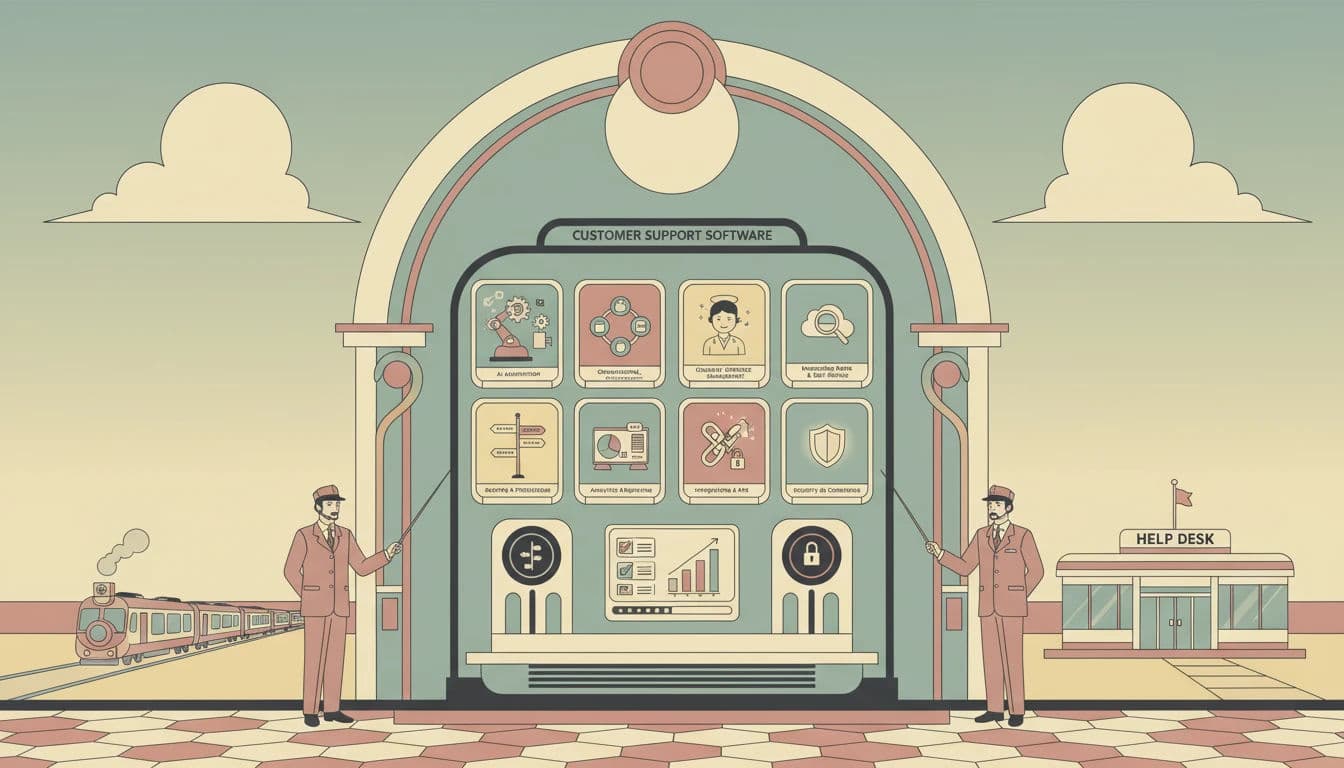
To build a scalable tech stack, an overview of key customer service software features reveals several non-negotiables. When evaluating platforms, prioritize these must-have features for customer service software:
Omnichannel Orchestration: Unified workspaces that synchronize customer interactions across all channels.
Advanced AI Automation: Conversational flows equipped with Human-in-the-Loop (HITL) safeguards.
Visual IVR: Digital interfaces that transform traditional phone menus into visual touchpoints.
E-commerce Integrations: Deep order management capabilities with strict PCI compliance.
B2B Interoperability: Systems that handle complex identity mapping for business-to-business support.
Virtual Receptionists: Live answering services to maintain the human touch.
Shared Inboxes: Collaborative spaces that bridge the gap between basic email and advanced ticketing.
Robust Analytics: Deep reporting tools featuring SLA management and sentiment analysis.
Ultimately, the essential features of customer support software go beyond a simple checklist. The best customer support software features will actively improve data portability, streamline migration paths, and elevate the daily Agent Experience (AX).
Software covered in this article
For learning and reference, this listicle presents a selective overview of leading customer support platforms:






1. Omnichannel Orchestration and Unified Agent Workspaces
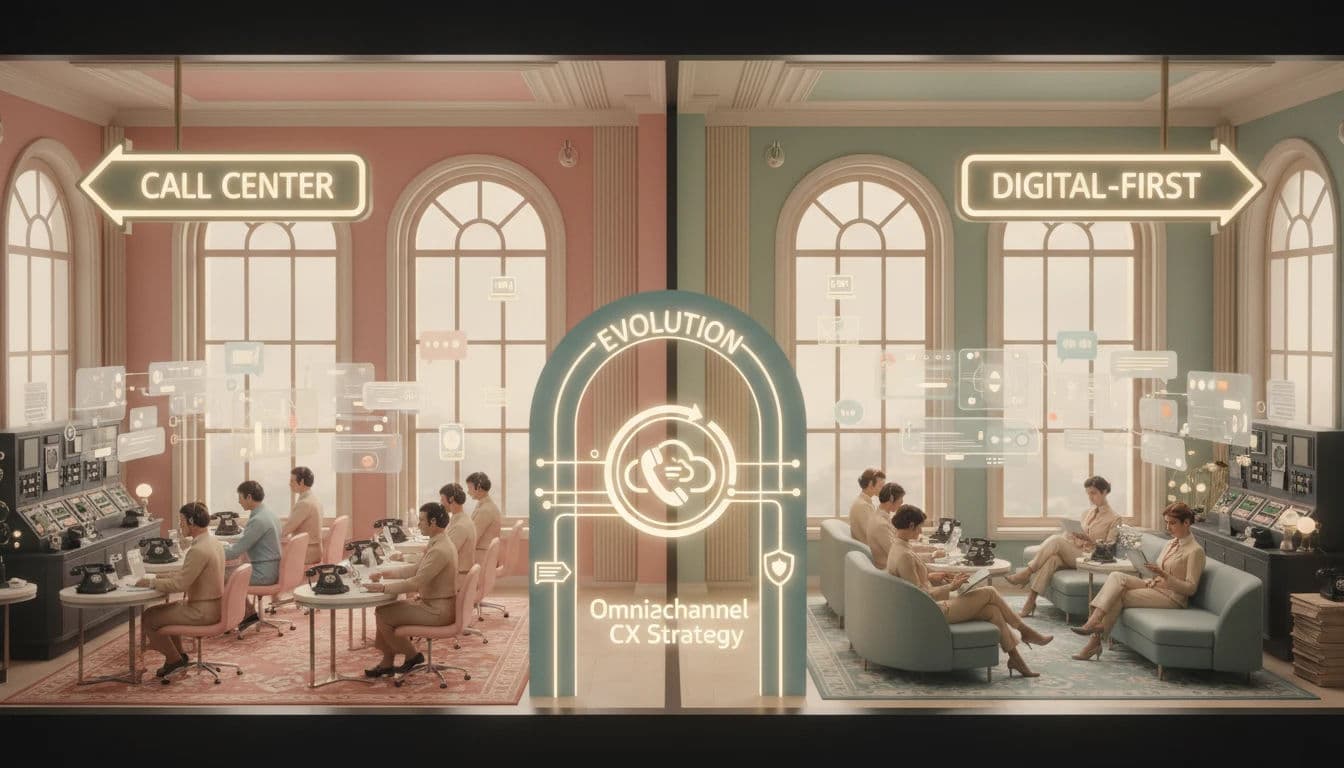
There is a distinct difference between "multichannel" and "omnichannel" support. Multichannel means offering support across isolated mediums (email, phone, chat, social), forcing agents to context-switch and fragmenting data.
When determining what features you should look for in a customer communication platform, prioritize omnichannel orchestration. True omnichannel software unifies all interactions into a continuous thread. If a customer tweets, calls, and emails, the agent sees the entire history in one view. This unified workspace drastically improves the agent experience by eliminating tab-switching, which reduces Average Handle Time (AHT) and improves First Contact Resolution (FCR).
Additionally, your communication platform must integrate with self-service tools. The key features to look for in help center software for customer support teams include embedded knowledge bases, contextual article suggestions, and seamless escalation paths. These key features of help center software for customer support ensure agents can instantly access and share documentation directly from their unified workspace, streamlining the resolution process.
State Synchronization
A critical, often overlooked technical requirement is state synchronization. It ensures that actions taken in one channel reflect immediately across all others. If an agent closes a ticket derived from a Facebook message, the system must automatically resolve the corresponding ticket in the central dashboard. Without this, teams waste hours reconciling "open" tickets that have already been solved, inflating backlog metrics artificially.
Platform Spotlight: Zendesk and Freshdesk by Freshworks
When discussing ticketing system functionality and omnichannel dominance, Zendesk remains a heavyweight contender. Their platform is engineered for enterprise scalability, offering a highly customizable agent workspace that integrates voice, chat, and social messaging seamlessly. Their robust API extensibility allows technical teams to build custom apps within the sidebar, pulling in data from proprietary back-end systems to give agents a 360-view of the customer.

Similarly, Freshdesk** by Freshworks** offers a compelling omnichannel suite that focuses on intuitive design and rapid deployment. Their "Omnichannel" tier specifically targets the friction between channels, converting emails, chats, and calls into tickets that can be managed from a central dashboard. Freshdesk excels in its ability to merge tickets automatically and prevent collision, ensuring that two agents aren't working on the same issue across different channels simultaneously.
2. Advanced AI Automation and Conversational Flows
Artificial Intelligence in customer support has graduated from simple keyword-matching to sophisticated Natural Language Processing (NLP). With more than 50% of companies integrating AI into core workflows, automation is a baseline requirement for ticket deflection—resolving low-complexity queries so human talent can focus on high-value problem-solving.
When determining how to compare AI customer service platforms, features checklist criteria must prioritize dynamic conversational AI over rigid bots. Use this checklist to evaluate platforms:
Intent Recognition: Does the bot understand complex phrasing, handle interruptions, and maintain context across the conversation?
Human-in-the-Loop (HITL) Routing: Can the AI seamlessly escalate to human agents, passing along full conversation history and summaries?
No-Code Deployment: Can support teams build and deploy conversational flows without heavy engineering resources?
Action-Oriented Resolution: Can the AI execute backend actions (e.g., processing refunds) via APIs rather than just linking to knowledge base articles?
Mitigating AI Hallucinations with HITL
While Generative AI is powerful, it carries the risk of "hallucinations"—inventing facts or policies. For enterprise buyers, a Human-in-the-Loop (HITL) feature is essential. This allows the AI to draft responses that must be approved or edited by a human agent before sending, or allows the system to confidently hand off to a human when confidence scores drop below a certain threshold. This safeguard preserves brand integrity while still leveraging automation speed.
Platform Spotlight: Landbot
Landbot stands out by democratizing chatbot creation. It focuses on turning the typical, dry chat interface into a rich, conversational experience. Their platform allows teams to build automated flows using a visual drag-and-drop interface.
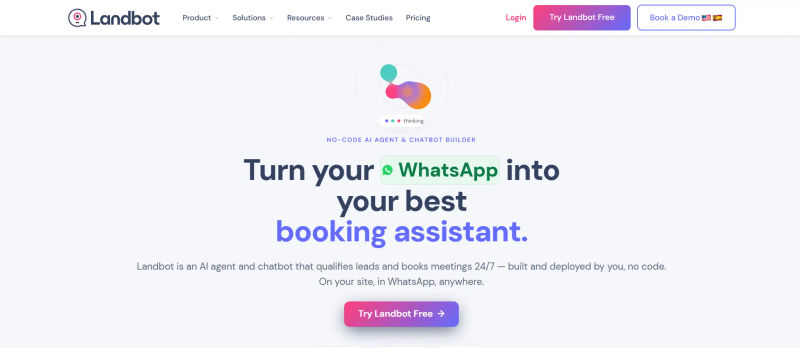
Landbot excels at qualifying leads and handling Tier-1 support queries on websites and WhatsApp. By automating the initial data gathering and triage process, Landbot ensures that when a human agent does take over, they have all the context they need to resolve the issue immediately, significantly boosting efficiency.
3. Visual IVR and Digital CX Transformation
Traditional Interactive Voice Response (IVR) systems—"Press 1 for Sales, Press 2 for Support"—are a major source of customer friction. In a digital-first world, forcing a user to navigate a complex phone tree is archaic. Visual IVR bridges the gap between the analog voice channel and digital self-service.
Note: This feature is particularly vital for enterprise-level organizations with high call volumes (B2C telecom, banking, utilities). For smaller SMBs with low call volume, this may be overkill.
This technology allows customers calling from a smartphone to opt into a digital experience. Instead of listening to a menu, they receive a text message with a link to a visual menu. This interface can guide them to FAQs, allow them to upload documents, or chat with an agent, effectively deflecting the voice call to a lower-cost digital channel.
Platform Spotlight: Callvu

Callvu is a leader in this niche, focusing specifically on digitizing the customer journey. Their platform transforms traditional voice calls into visual, interactive digital sessions. If a customer calls about a billing dispute, Callvu can trigger a visual interface where the customer can view their invoice, highlight the discrepancy, and resolve the issue without ever speaking to an agent. This capability not only reduces operational costs but also aligns with the preference of younger demographics for asynchronous, visual communication.
4. Specialized E-commerce Integrations and Order Management
For Direct-to-Consumer (DTC) brands and online retailers, a generic help desk often falls short. Support in e-commerce is inextricably linked to logistics and order management. Agents need immediate access to shipping status, inventory levels, and refund capabilities directly within the ticket view.
Key features to look for include deep integration with platforms like Shopify, Magento, or BigCommerce. The software should support macro automation based on order variables—for example, automatically triggering a specific email template if an order status is "delayed" or "lost in transit."
Security and PCI Compliance
When agents are handling refunds or modifying orders, security is paramount. Ensure the platform is PCI Compliant, meaning it masks sensitive credit card data within the chat or ticket history. This protects your brand from liability while still allowing agents to perform necessary transactional tasks.
Platform Spotlight: Gorgias

Gorgias has carved out a massive market share by focusing almost exclusively on e-commerce. Its tight integration with Shopify is its superpower. When an agent opens a ticket in Gorgias, they don't just see text; they see the customer's lifetime value, their last three orders, and tracking numbers. Agents can modify orders, issue refunds, and apply loyalty points without leaving the help desk. This reduces the "alt-tab" friction and drastically lowers resolution times for retail-specific queries.
5. Modern B2B Conversational Support and Interoperability
The B2B support landscape is shifting from traditional portals to shared channels in Slack and Microsoft Teams. High-value customers expect to reach vendors where they already work.
However, managing support via Slack can complicate SLA tracking and reporting. Buyers need software that offers interoperability—syncing informal chat messages with a formal ticketing backend.
When evaluating modern integrations, prioritize seamless API and CRM connectivity. For example, if you evaluate the customer support software company Plain on integrations, its API-first architecture excels at B2B interoperability. Plain connects directly with custom CRMs and shared Slack channels, ensuring unstructured conversations are instantly logged and synced to a unified workspace without disrupting the customer's workflow.
Find Perfect Software For Your Business
Identity Mapping Challenges
A technical hurdle in this space is mapping a Slack user ID to a CRM contact record. Advanced tools handle this identity mapping automatically, ensuring that when "@JohnDoe" messages you on Slack, the system recognizes him as the VP of Engineering at Client X and routes the ticket to the dedicated account manager.
Platform Spotlight: Pylon

Pylon is a prime example of this new wave of B2B support tools. It is designed specifically to bridge the gap between chat platforms (Slack, Teams) and ticketing systems. Pylon allows support teams to scale their "white-glove" service by managing hundreds of customer Slack channels from a single inbox. It captures the conversation, tracks the SLA, and allows engineering or product teams to be looped in easily, facilitating the cross-departmental collaboration that is vital for complex B2B SaaS products.
6. The Human Touch: Virtual Receptionists and Live Answering
While AI and automation are critical for scale, they cannot entirely replace the human element. Research indicates that 68% of customers expect companies to show empathy in support interactions. For service-based businesses, legal firms, or healthcare providers, a robotic response can be detrimental to the brand image.
Features to look for here include live answering services integrated with the software stack. This hybrid model ensures that when a customer calls, they speak to a real person who can triage the issue with emotional intelligence, even if the technical resolution happens later.
Integration Workflow
The key to making this work is the handoff. The virtual receptionist must have a direct line to your ticketing system. When they take a message, it shouldn't just go to an email; it should generate a ticket in your system (e.g., Zendesk or Help Scout) with the correct priority tags, ensuring your internal team can pick up exactly where the receptionist left off.
Platform Spotlight: Ruby
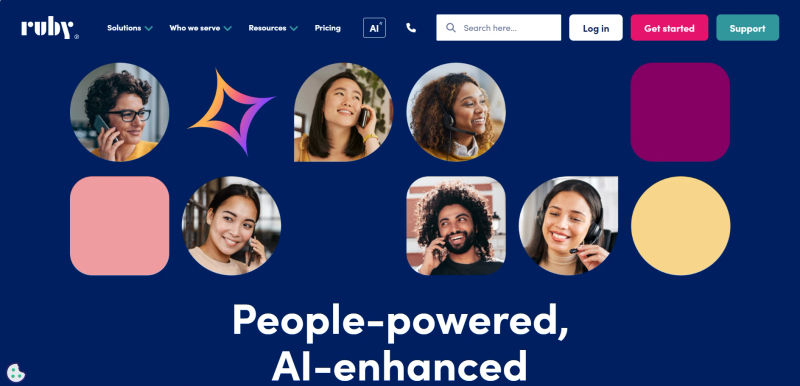
Ruby offers a unique blend of software and service. They provide virtual receptionists who answer calls on behalf of your business, creating an impression of a large, attentive in-house team. Their mobile app and desktop portal allow you to set your status, view call logs, and read messages taken by the receptionists. For businesses where personal connection is the primary value proposition, Ruby ensures that automation never comes at the cost of human connection.
7. Shared Inboxes for Collaborative Support
Not every team needs the complexity of an enterprise IT service management (ITSM) tool. For agile startups, creative agencies, and smaller support teams, the heavy processes of traditional ticketing systems can slow things down. The "Shared Inbox" model focuses on collaboration and transparency rather than rigid ticket numbers.
Inbox vs. Ticketing: When to Switch?
If your volume is under 500 conversations a month and your queries are mostly unstructured, a shared inbox is superior. However, once you need to enforce strict SLAs, manage complex routing rules based on customer tiers, or require detailed audit logs for compliance, it is time to graduate to a dedicated ticketing system.
Platform Spotlight: Help Scout
.webp?updatedAt=1786993291439&tr=w-800%2Cq-80%2Cf-auto%2Cc-at_max)
Help Scout champions the "invisible" help desk. To the customer, the support interaction looks like a standard personal email; there are no "## Please reply above this line ##" headers or robotic auto-responses unless configured. Internally, however, the team has access to powerful collaboration tools like collision detection (seeing who is viewing or typing a reply in real-time). Help Scout’s interface is clean and user-friendly, making it a favorite for teams that prioritize a human-centric support philosophy over rigid industrial workflows.
8. Robust Reporting, Analytics, and SLA Management
You cannot improve what you do not measure. A modern support stack must provide granular visibility into team performance and customer sentiment. Buyers should look for customizable dashboards that can track standard metrics like First Response Time (FRT), Customer Satisfaction (CSAT), and Net Promoter Score (NPS).
What supervisor access features do customer support platforms have to enforce these SLAs in real-time? Essential supervisor access features customer support platforms offer include live monitoring (observing active interactions), whisper (privately coaching agents mid-conversation), and barge-in (taking over an interaction to resolve escalations).
Sentiment Analysis
Beyond basic metrics, look for Sentiment Analysis. This uses NLP to analyze the tone of customer messages (e.g., Frustrated, Urgent, Happy) in real-time. This allows managers to proactively intervene in "Red" tickets before they escalate to churn, providing a safety net for high-value accounts.
Customer Support Platform Comparison Table
The following table offers a customer support platform comparison across key dimensions.
When evaluating chat support tools comparison criteria features, prioritize skills-based routing, seamless bot-to-human handoff, concurrent chat limits, and in-widget knowledge base access.
How do different sales software platforms compare in terms of customer support features? Sales-first platforms like HubSpot tie tickets directly to CRM timelines for unified context, while Salesforce Service Cloud offers enterprise-grade SLA management. In contrast, dedicated tools (like Zendesk) typically provide broader omnichannel flexibility than sales-centric platforms.
Feature Category | Basic Requirement (Startup/SMB) | Advanced Requirement (Mid-Market/Enterprise) |
Reporting & Analytics | Pre-built dashboards for ticket volume, FRT, and CSAT. | Custom data exploration, API access for BI tools (Tableau/Looker), Sentiment Analysis heatmaps. |
SLA Management | Basic business hours settings and response time goals. | Multi-tier SLAs based on customer plan (Gold/Silver), automated escalation rules, breach warnings. |
Integration Depth | Native integrations with Slack, Shopify, and CRM. | Webhooks, open API for custom apps, sandbox environments for testing. |
Security & Compliance | SSL encryption, 2FA, GDPR compliance. | SSO (Single Sign-On), SOC2 Type II, HIPAA compliance, IP restrictions, audit logs. |
Security and Compliance Standards
For IT procurement leads, security is often the gatekeeper. No matter how shiny the features are, if the software doesn't meet compliance standards, it won't pass the audit.
At a minimum, ensure the vendor is GDPR and CCPA compliant if you handle data from Europe or California. For B2B enterprise tools, SOC2 Type II certification is the gold standard, verifying that the vendor has rigorous controls over data security, availability, and confidentiality.
If you are in healthcare, HIPAA compliance is non-negotiable. Additionally, look for Single Sign-On (SSO) capabilities (SAML/Okta) to ensure your team can access the tool securely without managing dozens of weak passwords.
Strategic Implementation: Moving Beyond the Feature Checklist
Selecting the software is only the first step. The success of your support stack depends on how well it integrates with your broader tech ecosystem. Data silos are the enemy of customer success. A support tool that doesn't talk to your CRM (Customer Relationship Management) or ERP (Enterprise Resource Planning) system creates blind spots.
1. Migration Paths and Data Portability
Before signing a contract, investigate the migration path. How easy is it to get your data in from your legacy system, and more importantly, how easy is it to get data out if you leave? Look for vendors that offer CSV import/export tools or dedicated migration APIs. Vendor lock-in due to data hostage situations is a real risk.
2. The Agent Experience (AX)
Finally, do not underestimate the Agent Experience (AX). If the software is clunky, slow, or difficult to navigate, your agents will find workarounds, data quality will suffer, and burnout will increase. Involve your support leads in the demo process. A tool that saves 10 seconds per ticket through a better UI can save thousands of hours annually.
Try AuthenCIO
Move to faster, smarter software evaluation with AI
Conclusion
As a comprehensive customer service software features guide, this article highlights that the ideal platform depends on your business maturity. If you are asking, "what features should I look for in customer support software to enhance client satisfaction?", the answer lies in capabilities that reduce customer friction and empower agents.
To summarize this guide to essential customer service software features, prioritize tools offering omnichannel orchestration, AI-driven automation, and deep ecosystem integrations (like Gorgias or Pylon). By implementing software equipped with shared inboxes, visual IVR, and robust analytics, you transition your support operation from a reactive cost center to a proactive asset. Ultimately, selecting the right features directly enhances client satisfaction, driving long-term loyalty and growth.
Next Steps for Buyers
Conduct a Gap Analysis: Identify where your current stack fails (e.g., lack of reporting, siloed channels).
Define Must-Haves vs. Nice-to-Haves: Separate critical compliance needs (SOC2) from features like Visual IVR.
Test the Agent UI: Have your actual support agents trial the software to check for usability.
Verify Integrations: Ensure the tool syncs bi-directionally with your CRM and Slack instances.