

Introduction
Finding the best live streaming software in 2027 means choosing between two distinct paths: cloud-native platforms for browser-based accessibility (like Restream and StreamYard) and on-premise powerhouses for ultimate hardware control (like OBS Studio and vMix). Broadcasters are actively seeking alternatives that can orchestrate complex, hybrid workflows and simultaneous, multi-destination streaming across fragmented platforms.
Streamline your software evaluation process
Today's decision-makers must navigate multi-cloud distribution architectures while mitigating the high costs of cloud egress and bandwidth. Crucially, the integration of Edge Computing has revolutionized the industry by processing data closer to the source, drastically reducing latency for interactive live audiences and remote production (REMI) workflows.
Furthermore, in an era where AI-generated content is ubiquitous, stream authentication and deepfake prevention have emerged as critical security requirements. Broadcasters must ensure cryptographic signing of live video feeds to guarantee authenticity from the camera sensor to the final CDN delivery. To remain competitive, technical directors must evaluate software not just on basic capabilities, but on end-to-end reliability, protocol interoperability, and advanced zero-downtime architectures.
Key Takeaways
Top Cloud-Native Pick: StreamYard remains the most accessible browser-based studio for remote guest collaboration, while Restream leads for reliable multi-destination broadcasting.
Top On-Premise Pick: OBS Studio continues to dominate as the best free, open-source software, whereas vMix is the industry standard for advanced, broadcast-grade multi-camera productions on Windows.
Mac-Specific Powerhouse: Ecamm Live is the undisputed champion for macOS users, offering deep Apple silicon optimization and seamless integration with Apple hardware.
The 2027 Shift: Hybrid setups are the new standard. Broadcasters are increasingly pairing heavy-duty local encoders (like Wirecast or vMix) with cloud-based distribution networks to reduce local bandwidth strain and ensure multi-platform stability.
Top 12 Live Streaming Software for Broadcasters
vMix — Best for professional multi-camera production, instant replay, and advanced broadcast control.
Wirecast — Best for high-end live production, remote guests, and professional hardware integration.
OBS Studio — Best for free, highly customizable broadcasting and recording.
Restream — Best for multistreaming across 30+ platforms.
StreamYard — Best for browser-based broadcasts, interviews, and remote guests.
Ecamm Live — Best for professional Mac-based live production.
Castr — Best for reliable cloud streaming, CDN delivery, and monetization.
Switcher Studio — Best for mobile multi-camera production using iPhones and iPads.
OneStream — Best for automated and scheduled multistreaming.
Wave.video — Best for combining live streaming, editing, and content repurposing.
Lightstream — Best for cloud-based streaming with minimal local hardware.
Vimeo Livestream — Best for secure enterprise broadcasts and branded events.
Software Covered in this Article
For learning and reference, this listicle presents a selective overview of leading Video and Design Software:












2027 Comparison Table: Plans, Pricing, and Top Features
Plan | Pricing | Best For | Features |
Restream | Starts from $19.99/month | Multi-platform reach | Stream to 30+ destinations, Custom RTMP support, Stream health monitoring, Browser-based studio, Cloud-native stability |
Switcher Studio Standard | Starts from $45.00/month | Mobile multi-cam production | iOS wireless multi-cam, Real-time graphics, Remote guest integration, 5G cellular bonding, Direct social integration |
StreamYard | Starts from $18.99/month | Browser-based guest management | 1080p streaming, Up to 15 backstage guests, Isolated audio tracks, WebRTC low latency, Custom branding |
OBS Studio Open Source | $0.00/month (Free) | Open source customization | Unlimited multi-camera inputs, 8K hardware acceleration, Custom API integrations, Zero-cost licensing, Enterprise cloud management |
vMix 4K | $700.00/lifetime or $50.00/event | Professional Windows production | 4K multi-camera switching, vMix Call (8 guests), NDI 6.0 integration, Instant replay, AI automated switching |
Wirecast Pro | Starts from $59/mo | Hybrid Mac/PC production | Advanced PTZ control, Rendezvous guest management, Multi-destination streaming, IP networking support, Hardware switcher integration |
Castr | Starts from $19.99/month | Multi-stream delivery stability | Cloud transcoding, 24/7 continuous streaming, Custom video player, CDN integration, High-bitrate SRT ingest |
OneStream | Custom Pricing | Automated & live multi-streaming | Pre-recorded live scheduling, Real-time browser studio, 40+ social integrations, AI real-time captioning, Unified chat |
Lightstream | At $12/month | Cloud-based console streaming | Cloud compositing, Low local CPU drain, Remote guest mobile onboarding, Third-party integrations, Automatic multi-destination routing |
Wave.video | Starts from $20/month | Integrated editing & branding | Browser-based multi-cam, Live clipping & VOD, Advanced graphic overlays, Multi-destination streaming, AI transcription |
Ecamm Live | Starts from $20/month | Mac-native broadcasting | Apple Silicon optimization, ProRes recording, Native iOS camera integration, Built-in Interview mode, Stream Deck integration |
Vimeo | Starts from $16/month | Enterprise event hosting | Enterprise CDN delivery, Advanced DRM & watermarking, Pay-per-view monetization, Dense multi-camera switching, Deep audience analytics |
*Note: All prices shown reflect typical monthly billing. Vendors often offer lower pricing for annual commitments, but those discounts are excluded here for easier comparison. Actual costs may vary depending on your requirements, usage volumes, and negotiated terms.
Critical Features for Live Event Producers
When evaluating live streaming software alternatives in 2027, professional broadcasters must prioritize reliability, scalability, and integration capabilities over entry-level specifications. A modern production stack demands a sophisticated blend of hardware acceleration, advanced protocol support (like SRT and NDI), and automated failover mechanisms to ensure uninterrupted, broadcast-grade delivery.
1. Multi-Destination Streaming Stability
Simultaneous multi-channel streaming is the baseline, but stability is the differentiator. High-end software must offer resilient internet contribution, adaptive bitrate handling, and seamless network monitoring.
The ability to ingest and distribute through SRT, RIST, and WebRTC protocols is crucial for maintaining low latency and high reliability, especially when streaming to 10 or more destinations simultaneously. Broadcasters must also consider platforms that offer stream redundancy and failover automation without manual intervention.
2. Multi-Camera Switching and Real-Time Transitions
The physical footprint of production gear is shrinking, but the demand for broadcast-quality multi-camera switching software is higher than ever. Software must seamlessly integrate with professional hardware switchers like Blackmagic Design or NewTek for hybrid workflows.
Furthermore, support for 8K and 12K encoding capabilities, backed by robust CPU/GPU hardware acceleration, is becoming standard for global enterprise events. AI-driven automated switching, scene detection, and real-time transition management allow small teams to produce complex broadcasts.
3. Advanced Guest Management and Remote Collaboration
The complexity of managing remote guests and contributors requires specialized tools. The best broadcasting software provides low-latency return feeds for on-site talent, secure browser-based onboarding, and isolated audio routing (mix-minus) to prevent echo and feedback.
As remote production (REMI) becomes the norm, bringing in remote cameras via dedicated encoders while maintaining frame-accurate synchronization is a non-negotiable feature.
4. Sustainability and Carbon Footprint
By 2027, sustainability is a major corporate KPI. Cloud encoding efficiency and the carbon footprint of multi-destination streaming are heavily scrutinized.
Decision-makers are prioritizing low latency broadcasting tools 2027 that optimize CPU/GPU resource utilization and offer transparent tracking of the carbon overhead associated with their cloud infrastructure and data egress.
Cloud-Native Streaming Leaders
1. Restream
Restream remains the undisputed leader in multi-destination cloud-native streaming software in 2027. For broadcasters managing complex hybrid workflows, the platform’s ability to ingest a single RTMP or SRT feed and distribute it across more than 30 destinations simultaneously is invaluable. This cloud-native architecture significantly reduces local bandwidth and CPU/GPU resource utilization, making it a top alternative to heavy on-premise setups.
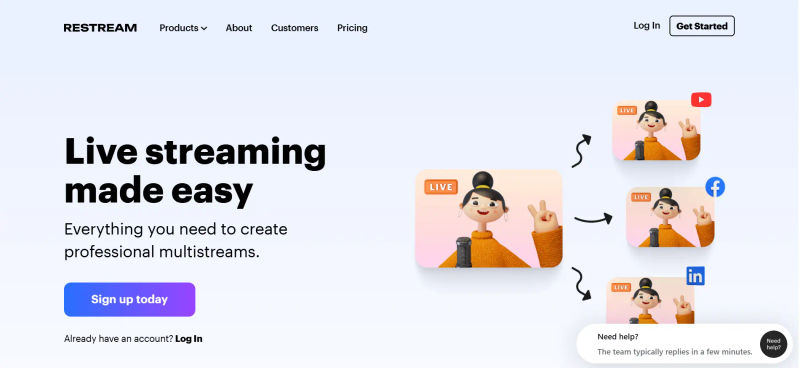
In an era where egress fees can cripple production budgets, Restream offers a predictable pricing model (ranging from a robust Free tier to Business plans around $23.99/month and Advanced enterprise options). It ensures zero-downtime multi-cloud distribution architectures with Full HD and 4K streaming capabilities. Guest management is handled seamlessly through Restream Studio, allowing producers to onboard up to 10 remote contributors via secure, low-latency browser links. With advanced stream health monitoring, cross-platform chat aggregation, and automatic failover capabilities, Restream eliminates the traditional complexities of synchronizing audio and video across multiple social and web destinations.
2. StreamYard
StreamYard remains the industry standard for browser-based guest management and live streaming. By relying on advanced WebRTC technology, it ensures ultra-low latency communication between hosts and remote contributors, making it an ideal alternative to heavy local software for interactive panels and interviews. StreamYard operates entirely in the cloud, handling encoding and multi-destination distribution on its own servers.
StreamYard offers a free plan with watermarking, while its Basic plan starts at $18.99/month and removes StreamYard branding while adding custom RTMP support. The Professional plan, priced at $49.99/month, unlocks 1080p streaming and isolated audio tracks. Producers can manage up to 15 backstage guests simultaneously, making it well suited for interactive panels, interviews, and multi-contributor broadcasts. Isolated audio and video tracks also provide maximum flexibility for post-production editing after the live broadcast, while real-time AI-driven captioning improves accessibility and audience inclusivity.
It remains the most efficient solution for broadcasters who prioritize flawless remote collaboration and multi-channel streaming without heavy local hardware.
3. Castr
Castr has built its 2027 reputation on bulletproof stability for multi-stream delivery and robust CDN integration. Designed for broadcasters who need to push high-bitrate feeds to dozens of endpoints simultaneously, Castr operates as a powerful cloud-based live event production tool. It allows producers to ingest a single high-quality feed via SRT or RTMP and let Castr’s distributed cloud architecture handle the heavy lifting of transcoding and distribution.
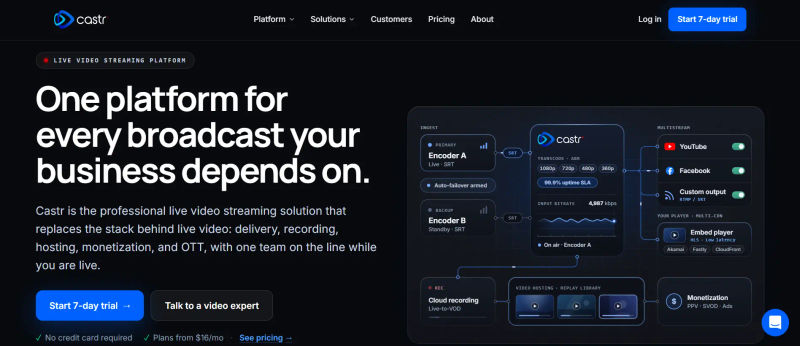
This approach drastically reduces the local hardware requirements and bandwidth costs associated with scaling to millions of viewers. Castr also offers dedicated IP camera streaming and seamless integration with custom video players, making it ideal for direct-to-audience destinations.
4. OneStream
OneStream specializes in bridging the gap between live and pre-recorded broadcasting, offering a unique hybrid approach to live event production. For broadcasters managing 24/7 linear channels or complex event schedules, OneStream provides automated streaming capabilities that allow pre-recorded, highly edited content to be broadcast as live across multiple destinations simultaneously.
In addition to its scheduling prowess, OneStream offers a robust real-time live studio that supports multi-camera switching and remote guest management directly from the browser. Its unified chat feature and AI-driven real-time captioning make it an excellent choice for community-focused broadcasters who need to maintain high engagement across multiple channels.
5. Lightstream
Lightstream offers a purely cloud-based console that revolutionizes how broadcasters manage local PC resources. As the demand for high-fidelity graphics and complex scene transitions grows, Lightstream offloads the encoding and compositing processes to its cloud servers. Broadcasters send a basic feed from their local machine or console, and Lightstream applies overlays, multi-camera switching, and multi-destination routing in the cloud.
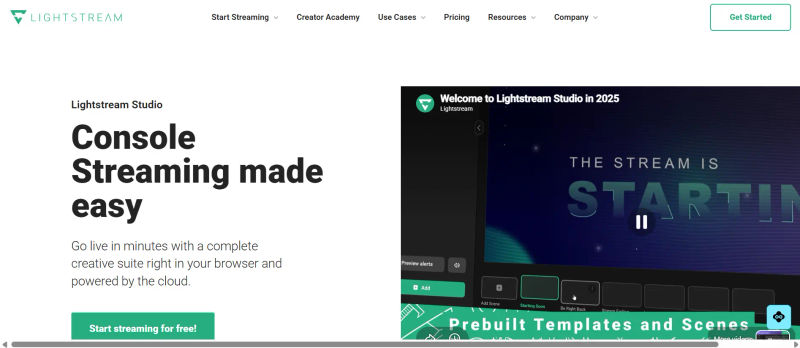
This architecture is particularly valuable for producers who need to maintain a highly professional aesthetic without investing in expensive, heavy-duty local hardware. Lightstream's guest management allows remote contributors to join via mobile or desktop browsers, seamlessly integrating their feeds into the cloud composite.
6. Wave.video
Wave.video merges professional live stream software with an integrated suite of video editing and branding tools, making it a powerhouse for broadcasters focused on post-event content repurposing. The platform operates entirely in the browser, offering a multi-camera switching interface that allows producers to seamlessly transition between local cameras, remote guests, and pre-loaded media assets.
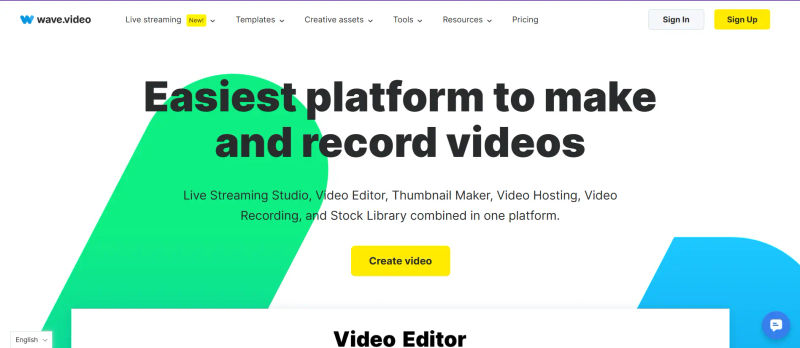
Wave.video's multi-destination streaming engine ensures stable delivery across various platforms, while its standout feature remains its aesthetic control. For producers who need to instantly clip live highlights, generate AI-driven transcriptions, and distribute VOD content immediately after the broadcast concludes, Wave.video provides an unmatched, all-in-one workflow.
On-Premise & Hybrid Production Powerhouses
7. OBS Studio
OBS Studio remains the undisputed leading open-source alternative for live streaming in 2027. Available completely free of charge with no tiered pricing or watermarks, it offers unparalleled customization for professional broadcasters. Its deep integration with SRT and RIST protocols makes it a cornerstone for low-latency, secure transport in enterprise environments.
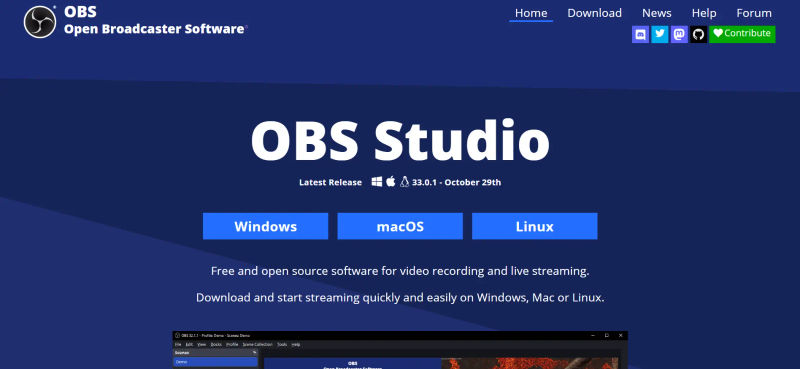
Because it is open-source, broadcast engineers can leverage its extensive developer APIs and massive plugin ecosystem to build custom workflow integrations. Recent updates have solidified native support for AV1 encoding and 8K hardware acceleration, ensuring high-quality streams at lower bandwidths.
Crucially for 2027, third-party 'Enterprise Cloud' managed versions of OBS have emerged. These allow corporate IT departments to deploy secure, centrally managed instances of the software, mitigating the traditional liabilities of pure open-source deployments while retaining OBS's unmatched flexibility for technical directors.
Find Perfect Software For Your Business
8. vMix
vMix stands as a heavy-duty, on-premise alternative for broadcasters operating in Windows environments. Engineered for high-stakes live events, it leverages local GPU hardware acceleration to deliver broadcast-tier multi-camera switching, instant replay, complex virtual sets, and deep support for up to 8K and 12K encoding.
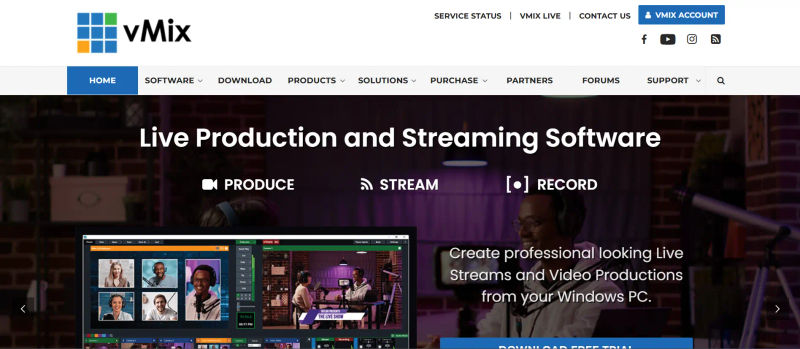
Adapting to 2027 market demands, vMix pairs its traditional lifetime licenses (ranging from Basic HD to Pro) with flexible subscription models like vMix Max, catering to enterprise live streaming platforms that scale dynamically. Its robust NDI 6.0 integration enables seamless IP-based production, allowing producers to pull in cameras, graphics, and audio from across a local network with minimal latency.
9. Wirecast
Wirecast by Telestream bridges the gap between high-end live production and user-friendly interfaces, offering a robust solution for both Mac and PC broadcasters. Wirecast stands out for its exceptional integration with professional hardware switchers and PTZ (Pan-Tilt-Zoom) camera controls, allowing a single operator to manage a complex multi-camera shoot with ease.
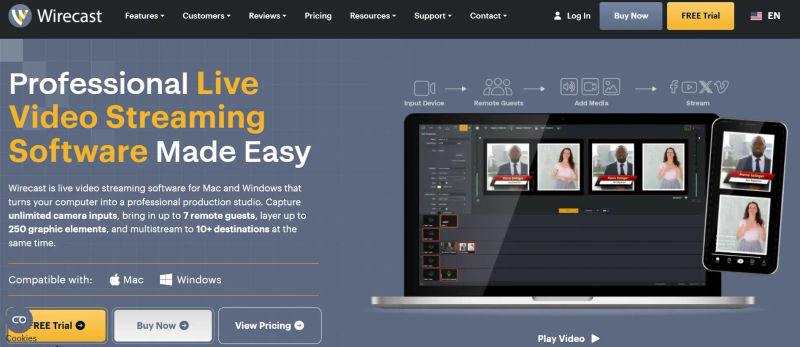
Like vMix, Wirecast now offers flexible, usage-based pay-per-event models to accommodate the fluctuating schedules of modern broadcasters. Wirecast's Rendezvous feature handles guest management securely, and the platform excels in its support for diverse media inputs, IP networking standards, and advanced audio routing, making it highly favored by sports networks.
10. Switcher Studio
Switcher Studio has redefined mobile multi-cam production, making it a critical tool for on-the-go broadcasters and hybrid setups. By leveraging the advanced processing power and high-resolution cameras of iOS devices, Switcher Studio allows producers to wirelessly link multiple iPhones and iPads to create a professional, multi-angle broadcast.
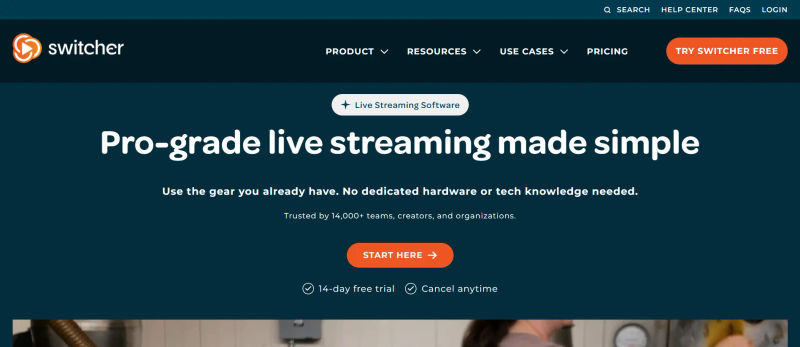
The software excels in its intuitive interface for multi-camera switching, offering real-time transitions directly from an iPad control surface. Its deep optimization for 5G cellular bonding ensures stable, low-latency streams even in challenging remote environments, making it the premier choice for dynamic, on-location live event production where traditional on-premise gear is impractical.
11. Ecamm Live
Ecamm Live is the ultimate live streaming software for Mac users in 2027, highly optimized for Apple Silicon to deliver unparalleled performance and efficiency. For broadcasters deeply entrenched in the Apple ecosystem, Ecamm Live offers seamless integration with iOS devices, allowing iPhones and iPads to act as high-quality wireless cameras with zero configuration.
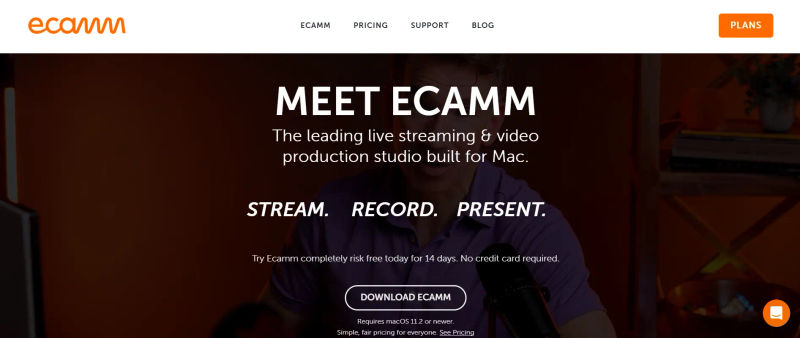
The software's multi-camera switching is fluid and intuitive, supporting ProRes recording and advanced hardware acceleration. Ecamm Live handles guest management through its native Interview mode, which provides high-quality, low-latency connections for remote contributors while automatically managing audio mix-minus.
12. Vimeo Livestream
Vimeo Livestream caters directly to the enterprise-level event hosting market. Vimeo provides an end-to-end solution that encompasses both powerful local encoding software and a global, enterprise-grade CDN. The software supports dense multi-camera switching, ST 2110 IP networking, and integration with professional broadcast hardware.
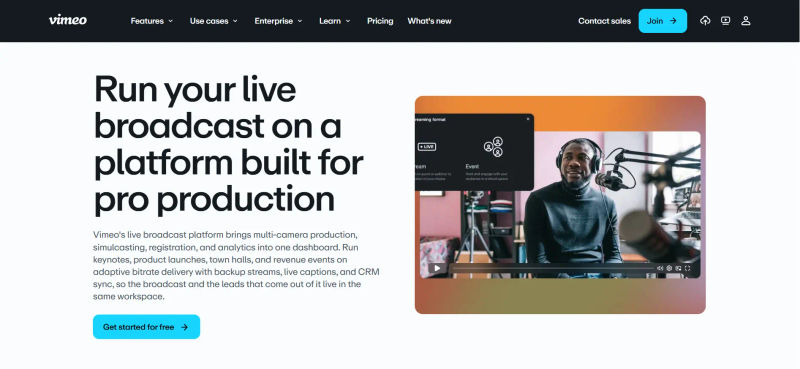
Where Vimeo truly separates itself as one of the premier enterprise live streaming platforms is in its security and monetization features. Broadcasters can deploy forensic watermarking, advanced DRM (Digital Rights Management), and granular access controls. For decision-makers who require absolute control over their content and broadcast-truck-level production tools, Vimeo Livestream remains a top-tier investment.
How to Choose the Right Broadcasting Software for Your Setup
Selecting the right live streaming software requires matching technical capabilities to your production scale and hardware limits. Use this framework to evaluate your options:
Solo Creators: Prioritize cloud-native, browser-based tools if you have limited hardware. These platforms handle encoding in the cloud, requiring minimal CPU power.
Remote Teams: Look for advanced guest management, isolated audio tracks, and cloud collaboration to coordinate multiple remote feeds without heavy on-premise gear.
Enterprise Events: On-premise or hybrid powerhouses are mandatory for multi-camera switching, custom RTMP destinations, and local network device integration (NDI). These require dedicated broadcast PCs with high-end GPUs.
Beyond deployment type, calculate your Total Cost of Ownership (TCO), factoring in licensing, cloud egress fees, bandwidth, and hardware upgrades.
Before committing, run a Proof of Concept (PoC). Stress-test the software on your network—especially testing automatic failover and adaptive bitrates on bonded 5G networks. Finally, verify that cloud-reliant platforms hold SOC2 Type II compliance to ensure broadcast security.
Future-Proofing: 5G Private Networks and CBRS Integration
As broadcasting moves deeper into 2027, future-proofing your production stack requires aligning your software with emerging network infrastructures. The deployment of 5G Private Networks and Citizens Broadband Radio Service (CBRS) is now standard for large venues, stadiums, and high-density corporate campuses. These dedicated networks provide guaranteed bandwidth and ultra-low latency, completely insulated from public cellular congestion.
When evaluating live video production tools, decision-makers must ensure their chosen software can seamlessly interface with CBRS-enabled remote encoders and 5G network slicing protocols. Software that natively supports these technologies allows broadcast engineers to assign dedicated network slices specifically for high-priority 4K or 8K video feeds, ensuring zero packet loss during critical moments. Platforms that fail to integrate with these advanced private networking standards will inevitably struggle to maintain the multi-destination streaming stability required for modern, high-stakes global events.
Try AuthenCIO
Move to faster, smarter software evaluation with AI
Conclusion: Broadcast with Confidence
The 2027 broadcasting landscape demands flawless execution. Multi-destination streaming stability, seamless multi-camera switching, and broadcast-quality guest management are no longer optional luxuries; they are the baseline requirements for professional live event producers.
By carefully evaluating your workflow against the capabilities of the top 12 platforms—whether you need the cloud-native reach of Restream, the heavy-duty Windows production of vMix, or the enterprise security of Vimeo Livestream—you can build a production stack that eliminates technical guesswork and ensures zero-downtime delivery.