
Introduction
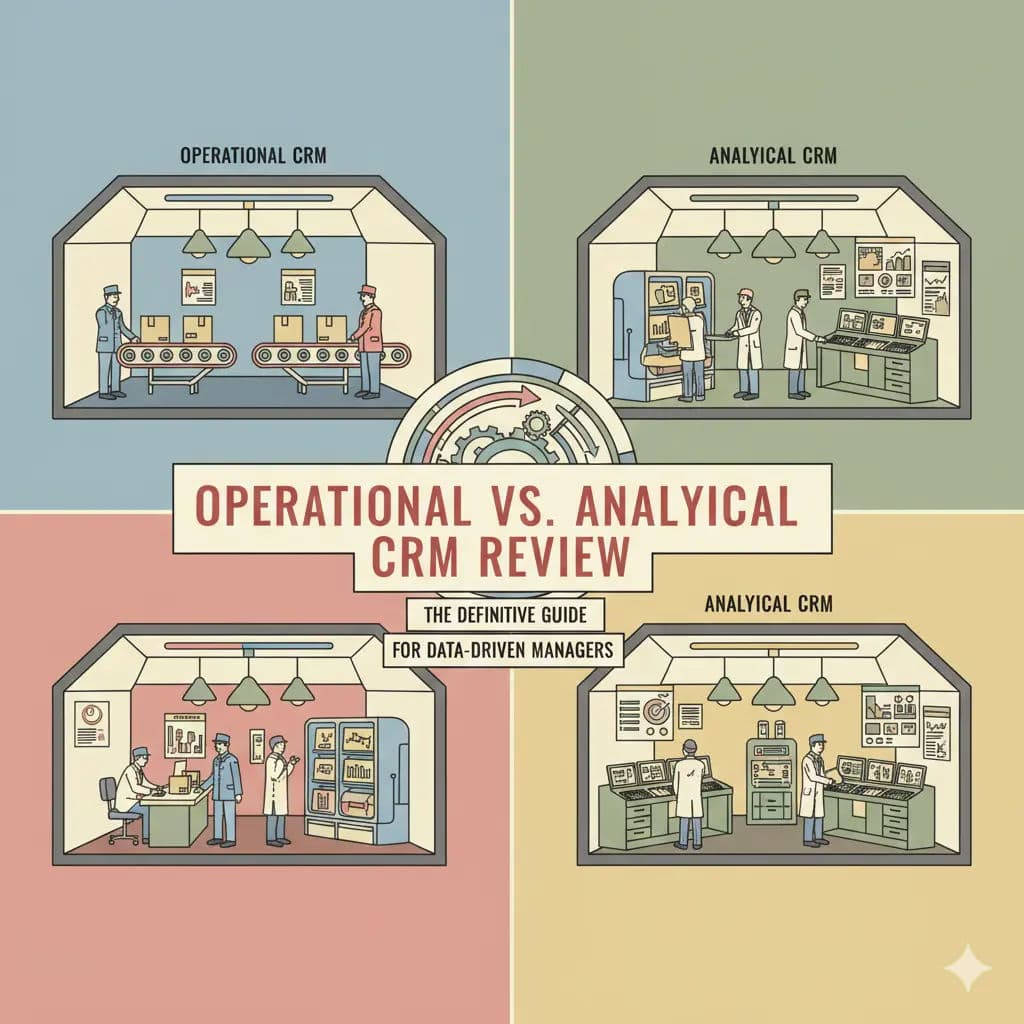
The core difference between operational and analytical CRM lies in their primary business purpose: Operational CRMs drive daily, customer-facing workflows in real-time, while Analytical CRMs process vast amounts of historical data to uncover trends and forecast strategy.
Streamline your software evaluation process
For modern CRM for data driven managers, treating customer relationship management as a monolithic software category leads to misaligned technology investments. Choosing the right system depends entirely on your immediate business needs. If your goal is to automate sales pipelines, route service tickets, and manage marketing campaigns, you need an operational system built on Online Transaction Processing (OLTP). If your goal is to analyze five years of churn data, segment complex customer behaviors, and run predictive models, you need an analytical system built on Online Analytical Processing (OLAP).
This article provides a technical deep dive into both architectures, leveraging industry examples like Salesforce, Microsoft Dynamics, SAP, Oracle, HubSpot, and Zoho to illustrate how these platforms fit into a mature enterprise technology stack.
Key Takeaways
Operational CRMs focus on streamlining daily, front-office workflows like sales force automation, marketing campaigns, and customer service ticketing. They rely on OLTP (Online Transaction Processing) databases for real-time speed.
Analytical CRMs act as the back-office brain, analyzing historical customer data to uncover trends, forecast behavior, and segment audiences. They utilize OLAP (Online Analytical Processing) and data mining techniques.
The Core Difference: Operational systems manage the actions you take with customers, while analytical systems generate the insights that dictate what those actions should be.
Modern Hybridization: Ecosystem giants increasingly blend both functions, often leveraging Reverse ETL to push analytical insights directly back into operational workflows.
Software Covered in this Article
To help you understand CRM in the right context, this article refers to a carefully curated set of key players:





The CRM Dichotomy: Process vs. Insight
The fundamental difference between operational and analytical CRM lies in their primary objectives: process execution versus data interpretation. Understanding how operational and analytical CRM systems diverge is critical for building a scalable enterprise data architecture.
Operational CRM is the front-office engine. It is designed to streamline the immediate workflows of customer-facing staff in sales, marketing, and service. Its primary metric of success is efficiency: reducing the clicks required to log a call, automating lead handoffs, or routing support tickets. Architecturally, it requires high availability and fast write speeds to handle thousands of concurrent users processing daily transactions.
Conversely, Analytical CRM acts as the back-office brain. Rather than managing daily workflows, it focuses on the aggregate patterns hidden within millions of historical interactions. Its goal is intelligence—transforming raw data into strategic guidance for customer segmentation, profitability analysis, and propensity modeling. To achieve this, it requires heavy read capabilities to execute complex queries across massive datasets.
For data managers evaluating operational CRM and analytical CRM, the historical challenge is that these functions require opposing database architectures. While modern cloud infrastructure is blurring these lines, maintaining a structural separation of concerns remains a best practice to avoid latency and resource contention.
Operational CRM: The Front-Office Engine
The operational CRM meaning centers on streamlining and automating day-to-day front-office processes across sales, marketing, and customer service. An operational CRM acts as the primary interface for customer-facing teams to manage direct client interactions.
This software is built on the backbone of Online Transaction Processing (OLTP), optimized for transactional speed and data integrity during frequent updates. When a sales representative updates a phone number or moves an opportunity to "Proposal Sent," the database must commit that change instantly to ensure organizational data consistency.
1. Core Functions: SFA, Marketing Automation, and Service Support
The functional landscape of Operational CRM is dominated by three pillars: Sales Force Automation (SFA), Marketing Automation, and Service Automation.
Sales Force Automation (SFA) is the most recognizable component. It manages the sales pipeline, tracks interactions, and automates administrative tasks. The technical requirement here is low latency; a sales rep on a mobile device needs immediate access to client history before a meeting.
Marketing Automation within the operational context focuses on trigger-based execution. For example, if a prospect downloads a whitepaper, the system triggers a sequence of emails. This is distinct from analytical marketing, which would analyze the open rates of those emails to adjust the campaign strategy.
Service Automation handles ticketing, knowledge bases, and SLAs. Here, the "operational" aspect is critical—if the system lags, customer satisfaction scores (CSAT) drop immediately.
2. The Hidden Cost of Operational Speed: Data Debt and API Limits
While speed is the priority, a common pitfall in Operational CRM is the accumulation of "Data Debt." This often occurs when custom objects are created without a strict schema or governance strategy. For example, if a sales team creates a custom field for "Region" that accepts free text, you end up with "NY," "New York," and "N.Y.," which breaks downstream reporting.
Furthermore, data managers must be wary of API rate limits. Operational CRMs like Salesforce or HubSpot enforce strict limits on how many API calls can be made within a 24-hour period. If you attempt to treat your Operational CRM as an analytics engine—constantly querying it for heavy reports—you risk hitting these limits, potentially freezing your integrations with other critical business tools.
📈 Compare operational vs analytical CRM strengths on Authencio.com
3. Case Studies in Workflow Efficiency (Focus: HubSpot, Zoho)
When we look at the market, platforms like HubSpot and Zoho have carved out massive market share by perfecting the Operational CRM experience. They prioritize User Interface (UI) and User Experience (UX) to ensure high adoption rates among non-technical staff.
HubSpot is a prime example of operational excellence. Its architecture is designed around a unified data model, ensuring that data flows seamlessly between marketing, sales, and service hubs.

For a data manager, HubSpot’s value lies in this cohesion. Unlike legacy systems that might require complex ETL (Extract, Transform, Load) processes to sync marketing data with sales data, HubSpot stores these interactions in a cohesive operational layer. This reduces the friction of integration and ensures that the "Front Office" has a single source of truth without complex middleware.
Zoho CRM offers a similar value proposition but with a focus on modularity and customization. For organizations that need to build custom operational workflows—such as a real estate firm needing to track property viewings rather than standard widgets—Zoho’s low-code environment allows for rapid operational deployment.

The database structure in Zoho is flexible enough to handle custom modules without requiring a database administrator (DBA) to restructure the schema. However, while these platforms excel at capturing data and executing workflows, they historically rely on integrations or add-ons for deep, heavy-lifting analytics.
Analytical CRM: The Back-Office Brain
What is analytical CRM? The standard analytical CRM definition describes a back-office platform designed to analyze customer data and uncover actionable insights. The core analytical CRM meaning centers on understanding historical behavior rather than managing daily interactions.
Grounded in Online Analytical Processing (OLAP) and data warehousing, an analytical CRM system aggregates data from operational CRMs, ERPs, and external sources to provide a 360-degree view of the customer.
1. Data Mining, OLAP, and Predictive Modeling
The technical architecture of an Analytical CRM is designed to handle complex queries that would bring an operational database to a crawl. If a manager runs a query to "Calculate the Customer Lifetime Value (CLV) of all clients acquired in Q3 2022 vs. Q3 2023, adjusted for inflation and segmented by region," an OLTP system would struggle. An OLAP system, however, utilizes multidimensional cubes or columnar storage to retrieve this aggregated data rapidly.
This environment supports advanced data mining techniques, such as:
Cluster Analysis: Grouping customers based on behavioral similarities rather than just demographics.
Propensity Modeling: Using historical data to predict the likelihood of a customer accepting an offer.
Churn Prediction: Identifying patterns (e.g., decreased usage, increased support tickets) that precede a customer cancellation.
With the CRM market projected to exceed $145 billion by 2027 (surpassing the initial global CRM market projected to reach $112 billion in 2025), the differentiation often comes down to how well a company utilizes these analytical capabilities to retain customers rather than just acquiring new ones.
Find Perfect Software For Your Business
2. Enterprise-Grade Analytics in Action (Focus: SAP, Oracle)
When we discuss heavy-duty Analytical CRM, legacy giants like SAP and Oracle remain dominant, particularly in large enterprises with complex data ecosystems.
SAP (specifically through solutions like SAP C/4HANA) approaches CRM from an ERP-centric perspective. The strength of SAP lies in its ability to pull operational data (sales orders) and combine it with back-end financial data (profit margins, supply chain costs). This allows for "profitability analysis" rather than just "revenue analysis." A sales rep might see a high-revenue deal in an operational CRM, but SAP’s analytical layer might flag it as low-margin due to high service costs. This level of insight requires a robust data warehouse architecture that SAP has perfected over decades.
.webp?updatedAt=1783634317197&tr=w-800%2Cq-80%2Cf-auto%2Cc-at_max)
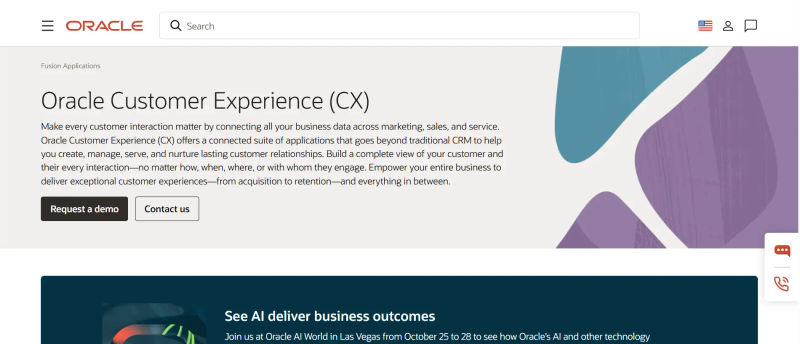
Oracle, leveraging its heritage as a database company, offers powerful analytical capabilities through Oracle CX. Oracle’s architecture excels at managing massive datasets and unstructured data. For instance, analyzing sentiment from millions of social media interactions (unstructured) and correlating it with purchase history (structured) requires the kind of computing power Oracle provides.
It is important to note that in the modern landscape, these analytical CRMs often sit alongside or on top of the "Modern Data Stack" (using cloud data warehouses like Snowflake or Google BigQuery). In this architecture, tools like Oracle or SAP act as the intelligence layer that models the data stored in these massive cloud warehouses.
Data Privacy, Security, and Compliance in CRM Architecture
A critical, often overlooked differentiator between these systems is how they handle data privacy regulations like GDPR and CCPA.
Operational CRMs are the frontline for consent capture. They must be architected to record exactly when and how a customer opted in. If a customer requests to unsubscribe, the Operational CRM must process this immediately to prevent legal exposure.
Analytical CRMs, however, face the challenge of retention and anonymization. When a customer exercises their "Right to be Forgotten," does that data disappear from your historical models? Deleting a record from an OLAP cube can be technically complex and computationally expensive.
Therefore, data managers must implement strict governance policies—often involving pseudonymization—where personal identifiers are stripped before data enters the analytical environment. This ensures that you can still analyze historical trends (e.g., "We lost a customer in Region X") without retaining the specific Personally Identifiable Information (PII) of the individual (e.g., "John Doe").
Comparative Analysis: Architecture and Data Handling
When comparing analytical crm vs operational crm, the core difference is architectural. Operational CRM manages real-time workflows, while analytical CRM processes historical data for insights. Understanding operational crm vs analytical crm helps technical managers avoid the friction of expecting one system to perform the duties of the other.
1. OLTP vs. OLAP: Understanding the Database Differences
The core divergence between an operational database vs analytical database lies in storage and processing. Operational CRMs rely on Online Transaction Processing (OLTP) databases using row-oriented storage. This is ideal for fast data entry and retrieving a single customer's profile. Conversely, analytical CRMs use Online Analytical Processing (OLAP) databases with column-oriented storage, which is superior for aggregating metrics across millions of records. Running heavy analytics on an operational database causes severe latency for frontline users.
The data itself also differs. When comparing operational vs analytical data, operational data is volatile, granular, and updated in real-time. Conversely, looking at analytical vs operational data, the analytical side requires historical, static, and cleansed datasets. Moving data between them requires ETL (Extract, Transform, Load) pipelines; broken ETLs are a common cause of outdated analytics.
These architectural choices directly dictate analytical vs operational reporting capabilities. Operational reporting is tactical, providing real-time snapshots (e.g., daily call volumes or open support tickets). Analytical reporting is strategic, utilizing historical data to uncover long-term trends, forecast revenue, and run predictive models.
2. Technical Comparison Matrix
Features | Operational CRM | Analytical CRM |
Primary Function | Process Automation & Workflow Execution | Strategic Insight & Pattern Recognition |
Data Architecture | OLTP (Online Transaction Processing) | OLAP (Online Analytical Processing) |
Data Schema | Normalized (Optimized for integrity) | Denormalized (Optimized for read speed) |
Data Volatility | High (Real-time updates, Read/Write) | Low (Historical, Read-Only/Append) |
Storage Optimization | Row-based (Fast transaction processing) | Columnar (Fast aggregation & querying) |
Primary Users | Sales Reps, Support Agents, Marketers | Data Analysts, C-Suite, Strategists |
Time Horizon | Current / Real-Time | Historical / Predictive |
Key Metrics | Call Volume, Pipeline Velocity, Resolution Time | CLV, Churn Rate, Propensity Score |
🧩 Find CRMs aligned to your analytics maturity on Authencio.com
The Hybrid Approach: When Operational Meets Analytical
As cloud computing power increases, the strict wall between Operational and Analytical CRM is becoming permeable. Modern "Platform-as-a-Service" (PaaS) offerings are attempting to bridge this gap, offering what is often called "in-context analytics."
1. Unifying the Stack with Ecosystem Giants (Focus: Salesforce, Microsoft Dynamics)
Salesforce and Microsoft Dynamics 365 represent the hybrid approach. They started as operational powerhouses but have aggressively acquired or built analytical layers to keep data within their ecosystems.
Salesforce has integrated analytics through Tableau (acquisition) and Einstein Analytics (native AI). Einstein is a prime example of operationalizing analytics. Instead of a manager running a report on churn, Einstein analyzes the data in the background and presents a "Churn Risk Score" directly on the customer's profile page for the sales rep to see. This closes the loop: the analytical insight (Risk Score) immediately triggers an operational action (Call the customer).

Microsoft Dynamics 365 leverages the Power Platform, specifically Power BI. Because of the Common Data Service (Dataverse), operational data from Dynamics flows seamlessly into Power BI for analysis. The advantage here is the "Microsoft Stack" synergy. A manager can view an analytical report in Power BI, identify a segment of at-risk customers, and trigger an operational workflow in Dynamics directly from the report interface.
2. Closing the Loop: Reverse ETL
To truly achieve a hybrid state, many organizations are now deploying "Reverse ETL" strategies. While traditional ETL moves data from Operational to Analytical systems, Reverse ETL (facilitated by tools like Census or Hightouch) pushes clean, modeled data back into the Operational CRM.
For example, your Analytical CRM (or warehouse) might calculate a complex "Lifetime Value" score. Reverse ETL pushes that score back into a custom field in Salesforce or HubSpot, ensuring that the frontline sales rep sees the intelligence generated by the back office without ever leaving their operational dashboard.
With 81% of organizations now using AI-powered CRM systems in 2026, this hybrid model—where AI and Reverse ETL serve as the bridge between operation and analysis—has become the standard for enterprise deployments.
Assessing Your Data Maturity: Which System Do You Need Now?
Not every organization needs a heavy-duty Analytical CRM immediately. Over-investing in analytics before establishing operational stability is a common pitfall. Data managers should assess their organization's maturity using a phased approach.
Phase 1: Operational Stability (Seed Stage).
Trigger: Your sales team is using spreadsheets, or data is riddled with duplicates.
Goal: Enforce data governance and standardize entry.
Action: Focus on tools like HubSpot or Zoho. You cannot analyze data you haven't captured.
Phase 2: Descriptive Analytics (Growth Stage).
Trigger: You have accumulated ~50,000+ records and need to know "What happened?"
Goal: Basic reporting on sales by region or tickets by agent.
Action: Most Operational CRMs have built-in reporting modules that suffice for this. Avoid a data warehouse if native reporting can answer 80% of your questions.
Phase 3: Diagnostic and Predictive Analytics (Enterprise Stage).
Trigger: You have >100,000 records, multiple data sources (ERP, Web, Mobile), and have hired your first dedicated Data Analyst.
Goal: Answering "Why did it happen?" and "What will happen next?"
Action: This is the trigger point for investing in SAP, Oracle, or advanced configurations of Salesforce/Dynamics combined with a dedicated data warehouse. This requires a dedicated data team to manage the warehousing and modeling.
Try AuthenCIO
Move to faster, smarter software evaluation with AI
Conclusion: Future-Proofing Your Customer Data Strategy
The debate between Operational and Analytical CRM is not about choosing one over the other; it is about understanding their distinct roles in the data lifecycle. Operational CRM handles the creation and management of data through efficient workflows. Analytical CRM handles the interpretation and monetization of that data through intelligence.
For the data-driven manager, the ultimate goal is a closed-loop system. Operational data feeds the analytical engine, which produces insights that are fed back into the operational layer to guide frontline behavior.
Whether you achieve this through a unified ecosystem like Salesforce or a best-of-breed stack integrating HubSpot with a data warehouse, the technical foundation remains the same: respect the architecture. Ensure your transactional systems are fast and your analytical systems are deep. By balancing these two forces, you transform your CRM from a digital filing cabinet into a revenue-generating asset.