

Introduction
Welcome to the 2027 Edition of our comprehensive guide to AI video production. The creator economy and digital marketing landscape in 2027 demand an unprecedented volume of high-quality video content. For content marketing leads and video creators, the challenge is no longer just about maintaining quality; it is about scaling production without exponentially increasing headcount or budget. The global AI video generator market has surged past the $3.3 billion mark, fundamentally shifting how teams approach their workflows. With 86% of global creators now utilizing creative generative AI, the transition from manual keyframing to intent-based editing is complete.
Streamline your software evaluation process
Today, AI video production software offers solutions that reduce the total cost of content while accelerating turnaround times. However, the market is saturated with platforms claiming to be the ultimate solution. Navigating this landscape requires a critical eye on specific production stages, from conceptualization and generative video to post-production automation. Marketing decision-makers must evaluate these platforms not on generic promises, but on tangible metrics: video rendering speed, template versatility, integration depth, and advanced AI editing features that ensure brand-voice consistency.
Key Takeaways
AI video generation in 2027 has evolved to offer near-real-time rendering speeds and hyper-realistic, compliant avatars.
Choosing the right tool depends on specific workflow needs, whether that is rapid text-to-video generation, advanced timeline editing, or scalable personalized outreach.
A standard 2027 video workflow often combines multiple specialized tools for generative concepts, avatar overlays, and final compliance polishing.
AuthenCIO provides a vendor-neutral platform to compare these top 12 tools side-by-side and make a data-backed decision.
🏆Top 12 AI Video Generators
Runway — Best for advanced generative video and creative control.
Synthesia — Best for scalable business videos and multilingual AI avatars.
HeyGen — Best for personalized marketing videos and realistic AI presenters.
Adobe Premiere Pro — Best for professional editing and advanced AI-assisted workflows.
Descript — Best for fast transcript-based editing and content repurposing.
InVideo — Best for rapid script-to-video marketing production.
VEED — Best for browser-based editing, subtitles, and team collaboration.
CapCut — Best for high-volume social media video production.
DeepBrain AI — Best for realistic AI presenters and corporate videos.
Wondershare Filmora — Best for accessible editing with practical AI features.
Camtasia — Best for screen recordings, tutorials, and training videos.
Animoto — Best for simple, template-based marketing videos.
Software Covered in this Article
For learning and reference, this listicle presents a selective overview of leading Video and Design Software platforms:












What to Look for in an AI Video Editor in 2027
When evaluating the top AI video production software in 2027, content marketing leads must move beyond surface-level feature lists and focus on enterprise-level capabilities. The strongest practical use cases now involve multimodal workflows where users seamlessly transition between text, images, video, audio, and avatars within a single production pipeline.
1. Video Rendering Speed and Compute Efficiency
Rendering speed is a critical bottleneck in traditional video production. In 2027, leading AI video tools leverage advanced cloud-based compute clusters to deliver zero-latency or near-real-time rendering, even for 4K native resolution. Decision-makers should look for platforms that offer dedicated usage credits or priority queueing to ensure fast export times during high-volume campaigns. Additionally, understanding the compute costs and energy efficiency of different generative models is increasingly important for corporate ESG reporting and sustainable scaling.
2. Template Versatility and Brand Consistency
Template versatility is not just about having thousands of options; it is about how easily those templates can be adapted to maintain brand identity. The best AI video generators offer custom brand kits, multi-user collaboration environments, and robust asset management. This ensures that every AI-generated clip aligns with strict corporate guidelines, avoiding the generic "AI look" that can dilute high-stakes marketing campaigns.
3. Integration Depth
A tool is only as powerful as its ability to fit into your existing tech stack. In 2027, top-tier AI video editors offer deep API integrations with project management software like Asana, Monday.com, and Jira, as well as seamless connections to Digital Asset Management (DAM) systems and CRM platforms like Salesforce. This integration depth allows marketing leads to automate video requests, approvals, and distribution directly from their central operational hubs.
4. AI Editing Features and Ethical Compliance
Modern AI editing features emphasize controllability and repeatability. Essential capabilities include temporal consistency, identity persistence, precise camera control, and prompt adherence. Furthermore, ethical AI sourcing and synthetic-media provenance are now strict product requirements. With the enforcement of the EU AI Act's transparency rules and California's AI Transparency Act (SB 942), platforms must provide machine-readable watermarking, latent disclosures (such as C2PA metadata), and robust consent controls for commercial use.
Automated Video Editing Software 2027: Comparison and Pricing
Plan | Pricing | Best For | Features |
Synthesia | Starts from $19/mo | Corporate training and localization | 200+ hyper-realistic avatars, 120+ languages, Real-time voice cloning, Custom brand kits, 4K rendering at 2x speed, Enterprise SSO, API access |
HeyGen | Starts from $29/mo | Personalized marketing at scale | Instant avatar generation, Dynamic video personalization, Seamless lip-syncing, 1-minute 4K rendering, API integration, Multi-seat collaboration, Priority support |
DeepBrain AI | Starts from $29/mo | AI human presenters | 3D hyper-realistic avatars, ChatGPT script integration, Zero-latency rendering, Broadcast-quality export, Custom avatar creation, Multi-language support, Priority queue |
InVideo | Starts from $9/mo | Rapid text-to-video ads | Prompts to full video, 10M+ iStock media, AI script generator, 5-minute cloud rendering, 150+ versatile templates, Automated voiceovers, Team workspaces |
Adobe Premiere Pro | Starts from $22.99/mo | Professional AI integration | Generative extend, Text-based editing, Auto color match, Background rendering, Multi-user collaboration, Content credentials (C2PA), Advanced keyframing |
Descript | Starts from $24.00/mo | Text-based AI editing | Studio Sound AI, Overdub voice cloning, Multi-track screen recording, Instant cloud rendering, Auto-transcription, Filler word removal, Social video templates |
CapCut | Starts from $12.99/mo | Social media content speed | Auto-captions, AI motion tracking, Trending TikTok templates, 1-click background removal, Ultra-fast mobile rendering, Cloud storage, Brand kit integration |
Camtasia | Starts from $39/yr | AI-enhanced screen recording | AI cursor smoothing, Auto-transcription, Smart focus, Custom templates, 60fps local rendering, Audio noise reduction, Interactive quizzes |
Runway | Starts from $15.00/mo | Generative AI video effects | Gen-3 video generation, Motion tracking, Green screen AI, Frame interpolation, Cloud-based GPU rendering, Temporal consistency controls, Asset management |
VEED.io | Starts from $25/mo | Cloud-based collaborative editing | Auto-subtitles, AI eye contact correction, Brand kit templates, Team workspaces, 4K cloud rendering, Video localization, Custom fonts |
Animoto | Starts from $19/mo | Simple drag-and-drop marketing | 3000+ licensed tracks, Automated storyboarding, Social media templates, 1-click branding, Instant 1080p rendering, Unlimited video creation, Screen recording |
Wondershare Filmora | Starts from $9.99/perpetual | Intuitive AI features | AI copilot editing, Smart cutout, AI music generator, 100+ preset templates, Hardware-accelerated rendering, Auto-reframe, Silence detection |
*Note: All prices shown reflect typical monthly billing. Vendors often offer lower pricing for annual commitments, but those discounts are excluded here for easier comparison. Actual costs may vary depending on your requirements, usage volumes, and negotiated terms.
Top AI Video Generators for Avatars and Text-to-Video
For teams focused on conceptualization and generative video, avatar-driven platforms and text-to-video models have drastically reduced the need for expensive on-location shoots. These tools excel at transforming written prompts and scripts into polished, presenter-led content suitable for global audiences, significantly reducing the total cost of content.
1. Synthesia: Best for AI Avatar-Driven Content
Synthesia remains a dominant force in 2027 for enterprise-level video production, particularly for corporate training, internal communications, and localized marketing. The platform has perfected the "human-in-the-loop" necessity, ensuring that AI avatars do not fall into the uncanny valley while providing a highly professional aesthetic.
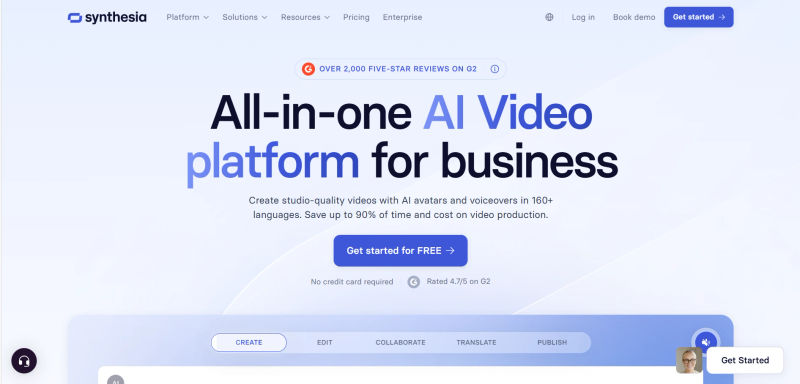
Rendering Speed: Synthesia utilizes advanced cloud compute clusters to offer 4K rendering at 2x real-time speed. This means a 10-minute video renders in just 5 minutes, significantly accelerating production pipelines for large-scale enterprise deployments.
Template Versatility & Integration: The platform provides over 200 hyper-realistic avatars and supports 120+ languages. Its custom brand kits allow marketing leads to lock in fonts, colors, and logos, ensuring visual consistency across all AI-generated clips. Synthesia integrates smoothly with major LMS (Learning Management Systems) and corporate intranets.
AI Editing Features: Synthesia's real-time voice cloning and strict adherence to the EU AI Act's synthetic-media provenance rules make it a secure, compliant choice for commercial use. The platform automatically embeds required disclosure metadata.
Strategic Limitation: The cost of creating a highly customized, exclusive digital twin (custom avatar) of a company executive remains exceptionally high and requires a lengthy approval and recording process.
2. HeyGen: Best for Personalized Video at Scale
HeyGen has carved out a massive share of the personalized marketing sector. By focusing on API integrations and dynamic video personalization, HeyGen allows sales and marketing teams to send thousands of customized videos simultaneously, driving unprecedented engagement rates.

Rendering Speed: HeyGen's infrastructure is built for high-volume output, boasting 1-minute 4K rendering times for short-form personalized clips. This ensures that massive account-based marketing campaigns can launch without server-side delays.
Template Versatility & Integration: The software integrates seamlessly with CRM platforms like Salesforce and HubSpot, allowing users to pull customer data directly into versatile templates for hyper-personalized outreach. You can automate video generation based on CRM triggers.
AI Editing Features: HeyGen's instant avatar generation and flawless lip-syncing capabilities maintain high temporal consistency, preventing the visual artifacts common in older AI models. The AI smoothly adapts mouth movements to match localized audio tracks.
Strategic Limitation: Because the platform is heavily optimized for scale and automation, the outputs can sometimes feel overly uniform or rigid without manual tweaking of the avatar's micro-expressions.
3. DeepBrain AI: Best for Realistic AI Human Presenters
DeepBrain AI caters to the high end of the avatar market, focusing on 3D hyper-realistic digital humans. It is frequently utilized by news organizations, financial institutions, and premium brands requiring broadcast-quality presenters that are virtually indistinguishable from real humans.
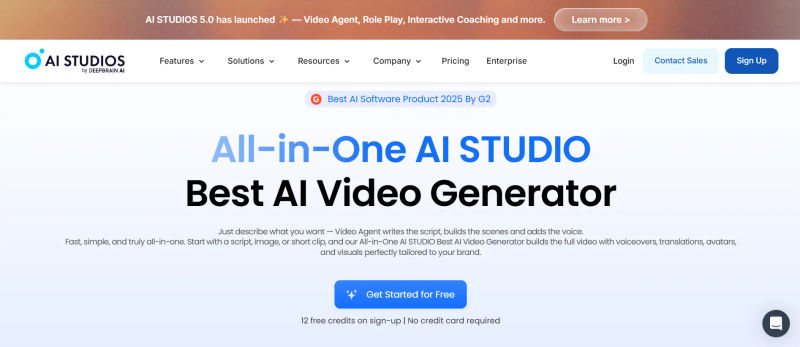
Rendering Speed: DeepBrain AI offers zero-latency rendering for enterprise clients, utilizing dedicated server allocations to ensure immediate export of broadcast-quality video, which is crucial for daily news or rapid financial updates.
Template Versatility & Integration: The platform's integration with ChatGPT allows for automated script generation directly within its highly customizable, studio-grade templates. It easily connects with traditional broadcast software suites.
AI Editing Features: DeepBrain AI excels in identity and object persistence. Its custom avatar creation process involves rigorous consent controls, ensuring full compliance with intellectual property and deepfake regulations across global markets.
Strategic Limitation: The premium pricing and heavy focus on broadcast-quality 3D avatars restrict this tool primarily to enterprise budgets, making it less accessible for agile, mid-market social media teams.
4. InVideo: Best for Rapid Text-to-Video Ads
InVideo has evolved into a powerhouse for rapid text-to-video generation, specifically tailored for social media advertising and content marketing teams who need to iterate quickly and test multiple ad creatives in a single day.
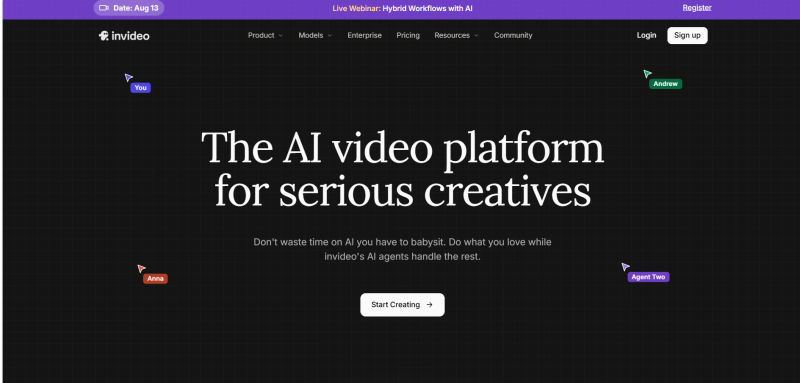
Rendering Speed: InVideo leverages optimized cloud rendering to deliver full videos from text prompts in under 5 minutes. This rapid turnaround makes it ideal for reactive marketing strategies and trending social media topics.
Template Versatility & Integration: With access to over 10 million iStock media assets and 150+ versatile templates, InVideo ensures teams can produce diverse content without creative fatigue. It integrates well with basic social media scheduling tools.
AI Editing Features: The AI script generator and automated voiceovers streamline the pre-production process, moving a project from a text prompt to a finished edit with minimal manual intervention. The AI intelligently selects B-roll that contextually matches the generated script.
Strategic Limitation: InVideo is heavily reliant on stock footage and basic generative clips; it lacks advanced timeline editing capabilities, making it difficult to execute complex, multi-layered visual effects.
Find Perfect Software For Your Business
Best AI-Powered Timeline Editors for Professional Creators
While generative AI handles creation, post-production automation requires sophisticated timeline editors. These platforms blend traditional non-linear editing with advanced AI to reduce time spent on rough cuts, versioning, and routine post-production tasks, empowering creative directors to focus on intent-based editing.
5. Adobe Premiere Pro: Best for Professional AI Integration
Adobe Premiere Pro remains the industry standard for professional video creators. In 2027, its deep integration of generative AI has transformed it from a manual keyframing tool to an intent-based editing powerhouse that respects the "human-in-the-loop" philosophy.
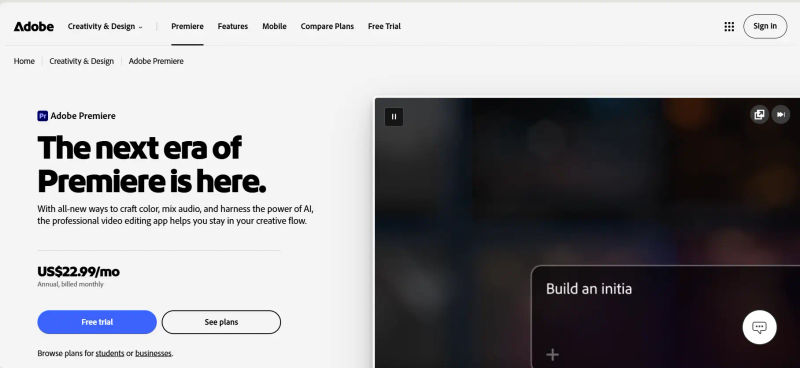
Rendering Speed: Premiere Pro utilizes advanced background rendering and hardware acceleration to ensure seamless playback and fast export times, even when handling complex AI-generated extensions and 8K source files.
Template Versatility & Integration: Through Adobe Creative Cloud, Premiere Pro offers unmatched integration depth. Users experience seamless multimodal workflows between Photoshop, After Effects, and Premiere, utilizing shared libraries and enterprise DAM systems.
AI Editing Features: Features like Generative Extend (adding frames to the end of a clip), text-based editing, and auto color match drastically reduce editing time. Crucially, Adobe natively embeds Content Credentials (C2PA) metadata into exports, ensuring compliance with 2027 AI transparency requirements.
Strategic Limitation: The software maintains a steep learning curve for non-video professionals. Marketing leads without a background in non-linear editing may find the interface overwhelming compared to browser-based alternatives.
6. Descript: Best for Text-Based AI Editing
Descript revolutionized editing by treating video like a text document. For podcasters, educators, and content marketing leads, it remains the most intuitive platform for dialogue-heavy content, drastically reducing the time required to edit interviews and talking-head videos.

Rendering Speed: Descript's instant cloud rendering ensures that changes made to the text transcript are immediately reflected in the video preview, eliminating traditional render wait times and allowing for rapid iteration.
Template Versatility & Integration: The platform offers robust social video templates tailored for audiograms and short-form clips, making it easy to adapt one source video into multiple formats. It integrates seamlessly with platforms like SquadCast for remote recording.
AI Editing Features: Descript's Studio Sound AI (which removes background noise and enhances voice quality) and Overdub voice cloning are industry-leading. The software excels at automatic filler word removal and highly accurate auto-transcription.
Strategic Limitation: Descript is highly specialized for dialogue and narrative editing; it is less suited for heavy visual effects, complex color grading, or multi-camera action sequences.
7. CapCut: Best for Social Media Content Speed
CapCut has dominated the short-form video market by providing ultra-fast, trend-driven editing tools. It is the preferred choice for social media managers and influencer marketing teams who need to produce high-engagement, vertical content daily.
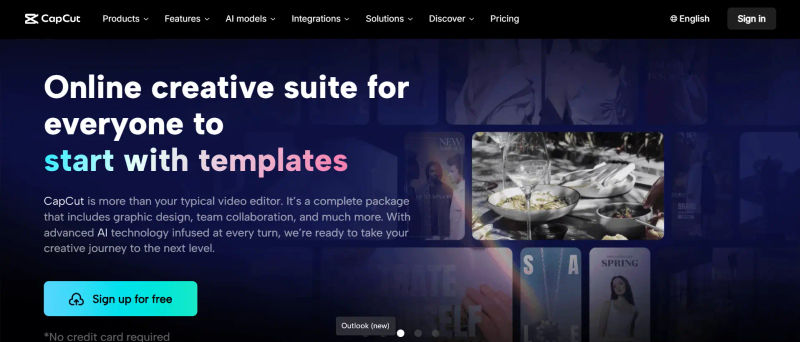
Rendering Speed: CapCut is optimized for ultra-fast mobile and desktop rendering, allowing creators to process and export 4K social clips in seconds rather than minutes, leveraging local device hardware efficiently.
Template Versatility & Integration: CapCut's massive library of trending TikTok templates and 1-click background removal tools allow teams to maintain a high output volume while staying relevant to current social trends. It offers direct API publishing to major social networks.
AI Editing Features: The platform's AI motion tracking and highly accurate auto-captions are essential for mobile-first viewing. CapCut's intuitive interface removes the technical barrier to entry, allowing anyone to execute complex edits like speed ramping and masking.
Strategic Limitation: While excellent for social media, CapCut lacks the advanced color grading, audio mixing, and metadata management required for high-end commercial broadcasting or cinematic production.
8. Camtasia: Best for AI-Enhanced Screen Recording
Camtasia has long been the standard for screen recording and software tutorials. Its 2027 iteration incorporates purpose-built AI to automate the most tedious aspects of instructional video production, making it a favorite for technical marketing teams.
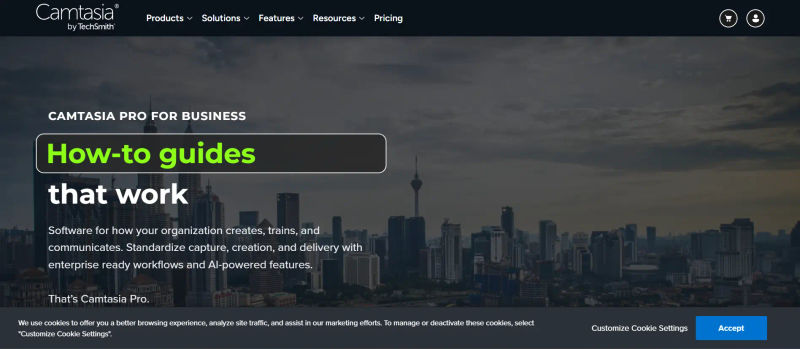
Rendering Speed: Camtasia relies on robust 60fps local rendering, utilizing the user's hardware to quickly process high-resolution screen captures and webcam footage without the delays associated with cloud uploading.
Template Versatility & Integration: The software provides custom templates specifically designed for software demonstrations, corporate onboarding, and educational content, ensuring visual consistency across training modules. It integrates well with SCORM-compliant LMS platforms.
AI Editing Features: AI cursor smoothing (which removes erratic mouse movements), smart focus (auto-zooming on active screen areas), and automated audio noise reduction allow creators to produce polished tutorials without manual zooming or audio tweaking.
Strategic Limitation: Camtasia is primarily focused on screen recording and instructional content; it lacks generative video capabilities from text prompts and is not designed for cinematic storytelling.
Best Browser-Based AI Editors for Quick Social Content
For distributed teams and agencies, browser-based AI editors offer the perfect blend of accessibility and power. These tools eliminate the need for expensive local hardware, relying instead on cloud computing to deliver generative AI effects and collaborative editing environments.
9. Runway: Best for Generative AI Video Effects
Runway is at the forefront of generative AI video research and application. Its Gen-3 models provide cinematic generation and advanced visual effects directly within the browser, pushing the boundaries of what is possible without a traditional VFX studio.
Rendering Speed: Runway utilizes massive cloud-based GPU clusters to process complex generative tasks. It offers competitive rendering speeds for high-fidelity visual effects, frame interpolation, and text-to-video generation.
Template Versatility & Integration: While less focused on traditional marketing templates, Runway offers unparalleled versatility in generative workflows, allowing users to create custom visual assets from scratch. It features strong API access for developers looking to build custom video applications.
AI Editing Features: Runway excels in advanced camera control within generative spaces, motion tracking, and green screen AI. Its advanced temporal consistency controls help mitigate the "hallucinations" and morphing often associated with generative video.
Strategic Limitation: Runway operates on a compute-based usage credit system. For teams doing heavy iteration and generation, these credits can deplete quickly, making the total cost of content unpredictable.
10. VEED.io: Best for Cloud-Based Collaborative Editing
VEED.io has built a highly successful platform centered around ease of use and team collaboration. It is designed for marketing teams that need to review, edit, and localize content collaboratively across different time zones.
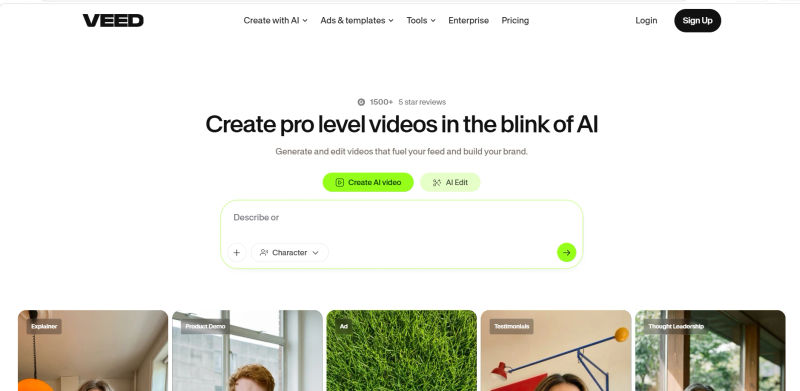
Rendering Speed: VEED.io's 4K cloud rendering infrastructure ensures that large video files can be processed and exported quickly, regardless of the user's local hardware capabilities, preventing laptop overheating during heavy exports.
Template Versatility & Integration: The platform's brand kit templates and team workspaces ensure that all users are working with the correct corporate assets and visual guidelines. It integrates smoothly with cloud storage providers like Google Drive and Dropbox.
AI Editing Features: VEED.io's AI eye contact correction (which makes subjects appear to look directly at the camera even when reading a script) and highly accurate auto-subtitles are perfect for refining talking-head videos. The platform makes video localization effortless.
Strategic Limitation: Because VEED.io is entirely browser-based, a stable, high-speed internet connection is mandatory. Offline work or editing during travel without reliable Wi-Fi is impossible.
11. Animoto: Best for Simple Drag-and-Drop Marketing Videos
Animoto caters to small businesses, real estate agents, and marketing leads who need professional-looking videos without a steep learning curve. It focuses on simplicity and speed above all else, turning static assets into dynamic presentations.
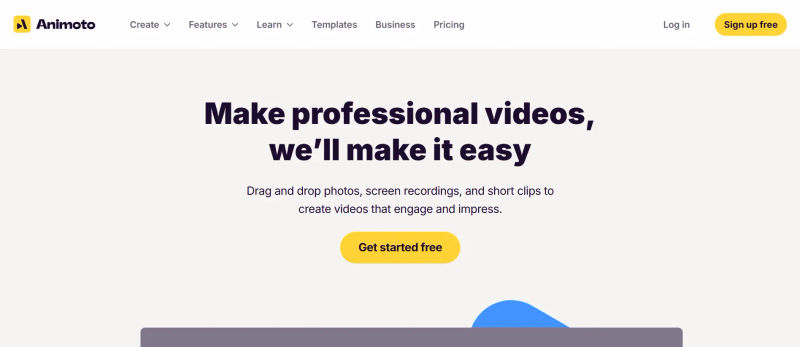
Rendering Speed: Animoto provides instant 1080p rendering, allowing users to preview and export their marketing videos immediately upon completion without waiting in a cloud queue.
Template Versatility & Integration: With automated storyboarding and social media templates, Animoto allows users to simply drop in their photo and video assets and let the software arrange them into a cohesive narrative. It integrates directly with major stock photo libraries.
AI Editing Features: While lighter on complex generative AI, Animoto's 1-click branding and library of 3000+ licensed tracks automate the most time-consuming aspects of basic video assembly, dynamically matching scene transitions to the beat of the music.
Strategic Limitation: Animoto's strength is its simplicity, which is also its weakness. It lacks granular control over individual AI-generated elements, making it unsuitable for highly customized or complex narrative editing.
12. Wondershare Filmora: Best for Intuitive AI Features
Wondershare Filmora strikes a balance between professional timeline editing and beginner-friendly AI tools. It is a highly accessible platform that packs a surprising amount of AI power into a traditional non-linear editing interface.
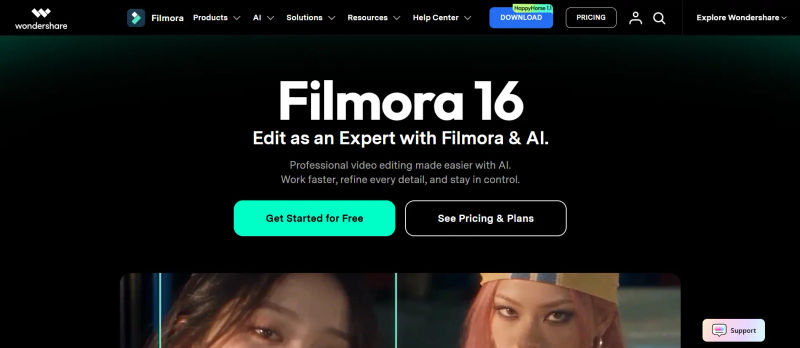
Rendering Speed: Filmora utilizes hardware-accelerated rendering to ensure smooth playback and fast export times, making efficient use of standard desktop and laptop configurations without requiring a high-end workstation.
Template Versatility & Integration: The software offers over 100 preset templates and an intuitive interface that allows marketers to quickly adapt content for various social media aspect ratios. It includes built-in integrations for direct YouTube and Vimeo publishing.
AI Editing Features: Filmora's AI copilot editing assists users in finding the right tools and effects through natural language prompts. Features like smart cutout (object removal), auto-reframe for different social platforms, and an AI music generator significantly speed up the editing workflow.
Strategic Limitation: While Filmora offers a perpetual license option, this one-time fee does not always include future major AI model updates, which may require upgrading to newer versions or subscription tiers to access the latest generative features.
How to Choose the Right Video Software for Your Team
Selecting the right AI video software in 2027 requires a strategic approach. The overwhelming number of new AI tools makes it difficult to commit to a long-term tech stack, but utilizing a structured decision matrix can simplify the process.
First, evaluate your team size and monthly video volume. If you are a solo creator or a small team producing a few videos a week, intuitive browser-based editors with a low learning curve like CapCut or VEED.io may suffice. However, enterprise teams producing hundreds of localized videos monthly will require the robust API integrations, multi-user collaboration features, and integration depth offered by platforms like Synthesia or Adobe Premiere Pro.
Second, consider the "Total Cost of Content" (TCC). Traditional filming involves high costs for talent, equipment, and studio time. AI tools reduce these costs, but decision-makers must carefully analyze pricing models. Differentiate between seat-based licenses (like Adobe Premiere Pro) and compute-based usage credits (common in generative platforms like Runway). Ensure you account for API charges, watermark removal fees, and commercial rights when calculating your return on investment.
Standard AI Video Workflow 2027
To maximize efficiency, many top-performing marketing teams do not rely on a single tool. Instead, they implement a 3-step Standard AI Video Workflow:
Generative Concept: Use tools like Runway or InVideo to rapidly generate storyboards, B-roll, and initial visual concepts from text prompts.
Avatar/Voice Overlay: Utilize Synthesia or HeyGen to generate the primary presenter or voiceover, bypassing the need for studio scheduling and talent fees.
Final Polish/Compliance: Bring the generated assets into Adobe Premiere Pro or Descript for final timeline assembly, color grading, auto-captioning, and the injection of required C2PA compliance metadata.
Third, do not ignore the necessity of the "human-in-the-loop." While AI can automate rough cuts and generate B-roll, high-stakes marketing campaigns still require a creative director's touch to avoid generic outputs. Choose tools that offer precise editing control and prompt adherence.
Finally, implement a rigorous 14-day trial period. Use a checklist to evaluate rendering speeds under load, test prompt engineering templates for consistent character generation, and verify integration with your existing project management software like Asana or Monday.com.
Try AuthenCIO
Move to faster, smarter software evaluation with AI
Future-Proofing Your Video Strategy with AI
As we navigate 2027, AI video generation is no longer an experimental luxury; it is a baseline requirement for competitive content marketing. The shift from manual editing to AI-assisted, intent-based production allows teams to scale their output by 5x without increasing headcount. By prioritizing rendering speed, template versatility, integration depth, and ethical AI features, marketing leads can build a sustainable, future-proof video strategy.
The key to success lies in choosing the platform that seamlessly integrates into your specific workflow, empowering your creators rather than replacing them. Evaluate your options carefully, test their limits, and invest in the tools that will drive your content engine forward.