
Introduction
In the rapidly evolving landscape of customer experience (CX), the concept of support has transcended simple ticket resolution. Today’s consumers operate in a hyper-connected environment where the boundaries between physical and digital touchpoints are increasingly blurred.
Streamline your software evaluation process
A customer might initiate a query via a chatbot on your website, escalate it through a WhatsApp message while commuting, and finalize the resolution via a phone call—all while expecting the support agent to have full context of the conversation history.
Key Takeaways
Unified over Siloed: Unlike multichannel support, omnichannel connects every customer touchpoint—from SMS and social media to email and voice—into a single, continuous conversation.
Measurable ROI: A well-executed omnichannel strategy directly boosts critical performance metrics, including Customer Satisfaction (CSAT), Net Promoter Score (NPS), and First Contact Resolution (FCR).
Leading 2026 Technology: Platforms like Zendesk, Freshdesk, and messaging-first tools like Respond.io are essential for providing the AI capabilities and deep integrations required today.
Strategic Implementation: Transitioning to omnichannel requires strict data privacy compliance, comprehensive customer journey mapping, and training agents to seamlessly handle context switching.
Leading Customer Support Solutions to Know
While this guide explores key industry insights, seeing these principles in action requires the right platform. Here is a snapshot of the most recognized Customer Support solutions currently shaping the market.








What is omnichannel support?
Omnichannel support is a unified customer service strategy that synchronizes communication channels—email, chat, phone, social media, and SMS—into a single, integrated ecosystem. Unlike legacy systems where context is lost between switches, omnichannel support ensures that data and interaction history flow freely between touchpoints, empowering agents with a "Single View of the Customer" (SVOC).
For modern businesses, launching a go/omnichannel support initiative is increasingly essential. The inability to provide a seamless transition between these channels results in high Customer Effort Scores (CES), frustrated buyers, and increased churn. Conversely, mastering this interconnected web of communication is a critical operational standard in a market where customer loyalty is fragile.
This guide provides a comprehensive analysis of omnichannel support, distinguishing it from legacy multichannel approaches, exploring the technical architecture required for a unified agent workspace, and reviewing the top software solutions that make this synchronization possible.
Defining Omnichannel Support in the Digital Age
At its core, omnichannel support is about backend integration as much as frontend experience. It requires a robust tech stack where APIs (Application Programming Interfaces) connect disparate platforms—your CRM, your help desk, and your telephony provider—to create a centralized repository of customer intent and history.
In a true omnichannel environment, the distinction between channels dissolves. A conversation that begins as an asynchronous email can seamlessly transition into a real-time live chat session, with the agent retaining full visibility into the initial email thread. This continuity is what separates a disjointed collection of support tools from a unified CX strategy.
Data Privacy and Security Compliance
Unifying customer data across social media, payment processors, and private emails into a single view heightens your responsibility for data protection. Implementing an omnichannel strategy requires strict adherence to data governance and compliance standards like GDPR, CCPA, and SOC 2.
When conducting an omnichannel cx solutions strongest security compliance features comparison, prioritize platforms that offer end-to-end encryption, automated PII (Personally Identifiable Information) redaction, and granular role-based access control (RBAC). Centralizing data in a secure platform actually aids compliance by providing a single, unified audit trail for all customer interactions. This makes executing data deletion requests significantly more efficient than chasing records across multiple siloed applications.
Omnichannel vs. Multichannel: Understanding the Difference
While the terms are often used interchangeably, "multichannel" and "omnichannel" represent fundamentally different operational realities. Understanding this distinction is crucial for any buyer evaluating customer support software.
Multichannel support implies that a business offers multiple avenues for contact. You might have a phone number, an email address, and a Twitter handle. However, in a multichannel setup, these avenues are often siloed. The team managing Twitter DMs may not have access to the email ticketing system. Consequently, data remains trapped in specific tools, leading to fragmented customer profiles.
Omnichannel support, by contrast, is defined by synchronization. It places the customer, rather than the channel, at the center of the strategy. In this model, the backend architecture connects every interaction point. When a customer reaches out via Facebook Messenger, the system automatically associates that interaction with their existing CRM profile, pulls up their purchase history, and displays their previous email tickets in a unified agent workspace.
The technical differentiator here is data fluidity. Multichannel focuses on quantity (being everywhere), while omnichannel focuses on connectivity (being connected everywhere). To bridge this gap, businesses are adopting the top omnichannel cx solutions 2026 has to offer—such as Zendesk, Freshdesk, and Respond.io—which actively eliminate the silos inherent to basic multichannel support by routing all interactions into a single, intelligent interface.
Benefits of Omnichannel Support: Driving Growth and Efficiency
The transition to omnichannel support is supported by compelling data regarding customer retention and revenue growth. In an era where product differentiation is narrowing, CX has become the primary battleground.
1. Improving Key Performance Indicators (CSAT, NPS, and FCR)
Implementing omnichannel customer service has a direct, measurable impact on critical metrics.
First Contact Resolution (FCR): By giving agents access to history across channels, they can solve issues immediately without asking the customer to repeat themselves. This reduces the back-and-forth that kills FCR rates.
CSAT and NPS: When customers don't have to repeat their story, satisfaction soars. Research from Harvard Business Review indicates that reducing customer effort is the single strongest driver of customer loyalty. Omnichannel strategies directly attack high effort by preserving context.
2. The Financial Impact: ROI and Cost-Per-Resolution
While omnichannel software can have a higher upfront license cost, the Return on Investment (ROI) is realized through efficiency. Disjointed systems lead to long Average Handle Times (AHT) as agents toggle between tabs. A unified workspace reduces AHT, effectively lowering the cost-per-resolution.
Furthermore, McKinsey & Company reports that personalization—enabled by the data visibility of omnichannel systems—can lead to revenue increases of 10% to 15%. Customers who receive high-quality omnichannel experiences are significantly more likely to retain their subscriptions and purchase additional services, increasing their Lifetime Value (CLV).
Find Perfect Software For Your Business
Top Omnichannel Support Software for 2026
Selecting the best omnichannel customer support software 2026 offers requires evaluating API ecosystems, global reach, and reliability. The best omnichannel customer service platforms 2026 (and best multichannel customer service platforms 2026) cater to diverse needs, from enterprise scalability to personalized human support.
Global accessibility matters, whether deploying localized omnichannel support colombia or seeking top international tools (meilleures solutions support omnicanal 2025 2026). Buyers often ask: is it leading it service desk platforms with omnichannel support? Yes, many omnichannel customer service platforms 2026 double as robust IT service desks, unifying internal and external ticketing.
1. Zendesk: The Enterprise Standard
When you evaluate the customer communication management company Zendesk on omnichannel support, it remains the industry heavyweight. Our Zendesk omnichannel support review 2026 confirms it excels in unifying complex support operations.

In this Zendesk omnichannel support features review 2025 2026, we found that key Zendesk omnichannel support features 2026 include the "Agent Workspace" for continuous conversations and AI-driven routing. Furthermore, Zendesk supported channels omnichannel 2026 span email, voice, live chat, SMS, WhatsApp, and social media.
Best For: Enterprises with high ticket volume and complex routing needs.
Implementation Complexity: High. Requires significant configuration and often a dedicated administrator.
Time to Value: 3–6 months for full enterprise deployment.
2. Freshdesk by Freshworks: Intuitive and Scalable
Freshdesk offers a compelling alternative that balances power with usability. Known for its clean interface, Freshdesk provides robust omnichannel capabilities, including a unified inbox that brings together phone, chat, email, and social signals. Its "Omniroute" feature helps balance agent workload automatically.

Best For: Mid-market companies looking to scale quickly.
Zendesk vs Freshdesk: Freshdesk generally offers a lower total cost of ownership and is easier to set up out of the box, whereas Zendesk offers deeper customization for massive teams.
Implementation Complexity: Moderate.
Time to Value: 4–8 weeks.
3. Respond.io: The Messaging-First Platform
As customer preference shifts toward instant messaging, Respond.io has emerged as a leader for businesses prioritizing WhatsApp, Facebook Messenger, and WeChat. Unlike traditional help desks, respond.io was built for conversation and excels at managing "conversation windows" and re-engagement rules.
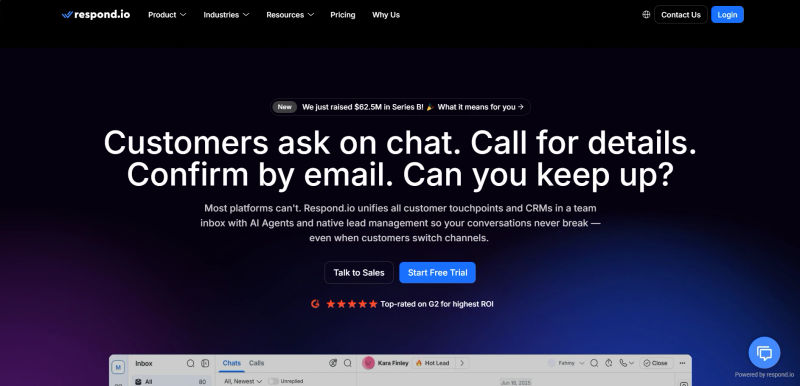
Best For: Businesses with a mobile-first customer base relying on social chat apps.
respond.io features: Superior workflow automation for messaging channels and broadcast capabilities.
Implementation Complexity: Moderate (requires API connections to social platforms).
Time to Value: 2–4 weeks.
4. Tidio: AI-Powered Support for Growing Brands
Tidio combines live chat with powerful AI chatbots, making it an excellent choice for e-commerce. A successful omnichannel AI strategy for support teams in 2026 relies on intelligent deflection. Tidio fits this ecosystem perfectly by using AI to answer common questions instantly across channels, while seamlessly handing over complex queries to live agents.
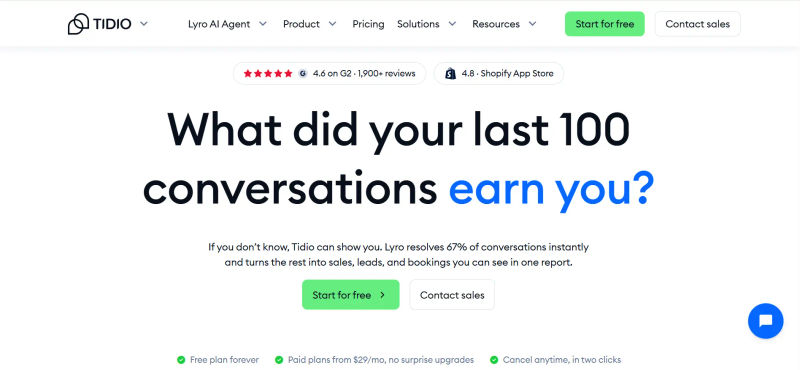
Best For: SMBs and E-commerce stores needing 24/7 presence.
Tidio live chat: Features a visual flow builder that allows teams to create automated support paths without coding.
Implementation Complexity: Low.
Time to Value: Days.
5. Ruby: The Human Connection
While software facilitates connection, sometimes the channel itself is the human voice. Ruby provides virtual receptionist and live chat services. They focus on the personal touch, ensuring that when a customer calls, they speak to a real person who can triage needs with empathy.
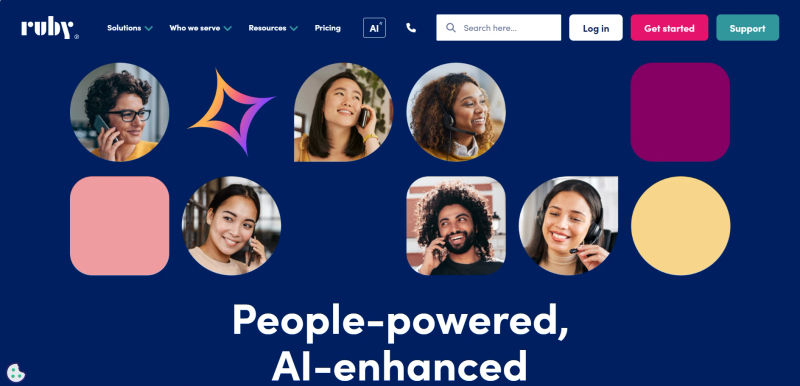
Best For: Service-based businesses where high-touch, white-glove service is the brand differentiator.
Implementation Complexity: Very Low.
Time to Value: Immediate upon account activation.
6. Answering Service Care: Reliability in Outsourcing
Similar to ruby, Answering Service Care offers a solution for businesses that need to scale their phone handling without hiring internal staff. They act as an extension of your team, ensuring that phone lines are manned 24/7.
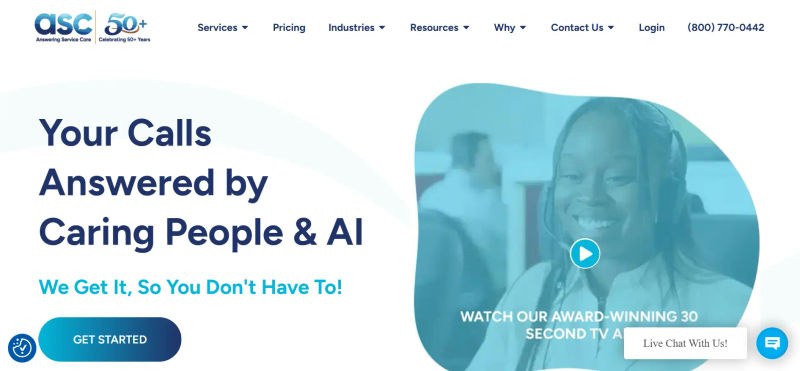
Best For: Businesses needing after-hours support or overflow management.
Implementation Complexity: Low.
Time to Value: Immediate.
Evaluating Emerging Platforms: Zenhub and Pylon
When organizations evaluate the support platform company Zenhub on omnichannel support, they must view it through the lens of developer-support alignment. Rather than acting as a standalone helpdesk, Zenhub provides omnichannel connectivity by integrating customer-facing tools like Zendesk and Slack directly into GitHub workflows. This ensures bug reports and feature requests flow seamlessly from customer communication channels to engineering without losing context.
Conversely, when teams evaluate the support platform company Pylon on omnichannel support, the focus shifts to B2B conversational ticketing. Pylon natively unifies shared Slack channels, Microsoft Teams, email, and in-app chat into a single centralized inbox, eliminating the need for agents to jump between different applications.
Furthermore, as you evaluate the customer communication management company Pylon on omnichannel support, its primary differentiator becomes clear: it tracks interactions across these modern chat platforms while automatically syncing data back to CRM systems. This empowers B2B support teams to deliver a cohesive, unified experience exactly where high-touch clients prefer to communicate.
Feature Comparison Summary
To further clarify the operational differences, the table below outlines how specific features function in a siloed multichannel environment versus a unified omnichannel environment.
Feature / Metric | Multichannel Support Environment | Omnichannel Support Environment |
Data Accessibility | Siloed; data lives in separate tools (e.g., email tool vs. phone system). | Unified; data flows freely into a single agent workspace (SVOC). |
Context Preservation | Low; customers must repeat information when switching channels. | High; conversation history travels with the customer across channels. |
Agent Workflow | Fragmented; agents toggle between multiple tabs and logins. | Streamlined; agents work from a single dashboard for all interaction types. |
Reporting & Analytics | Disjointed; requires manual aggregation of data from different sources. | Holistic; cross-channel analytics provide a complete view of CX performance. |
Customer Effort Score (CES) | Typically High; requires more effort from the customer to resolve complex issues. | Typically Low; seamless transitions reduce friction and frustration. |
Routing Logic | Basic; usually limited to within the specific channel. | Advanced; routes based on agent skills, capacity, and customer value across all channels. |
How to Implement an Omnichannel Strategy Successfully
Transitioning to this model is a change management process rooted in omnichannel customer support best practices 2026. Bridging omnichannel customer support best practices 2025 2026, success requires best practices omnichannel customer support integration 2025 2026—specifically omnichannel customer support live chat email integration 2025 or 2026—to meet modern omnichannel customer service best practices 2026.
Step 1: Data Hygiene
Before you integrate your CRM with a new help desk, you must audit your data. Migrating duplicate customer records or outdated contact information into a new omnichannel system will only speed up the rate at which you deliver bad service. Clean your data, merge duplicate profiles, and standardize tagging conventions before you begin implementation.
Step 2: Map the Customer Journey
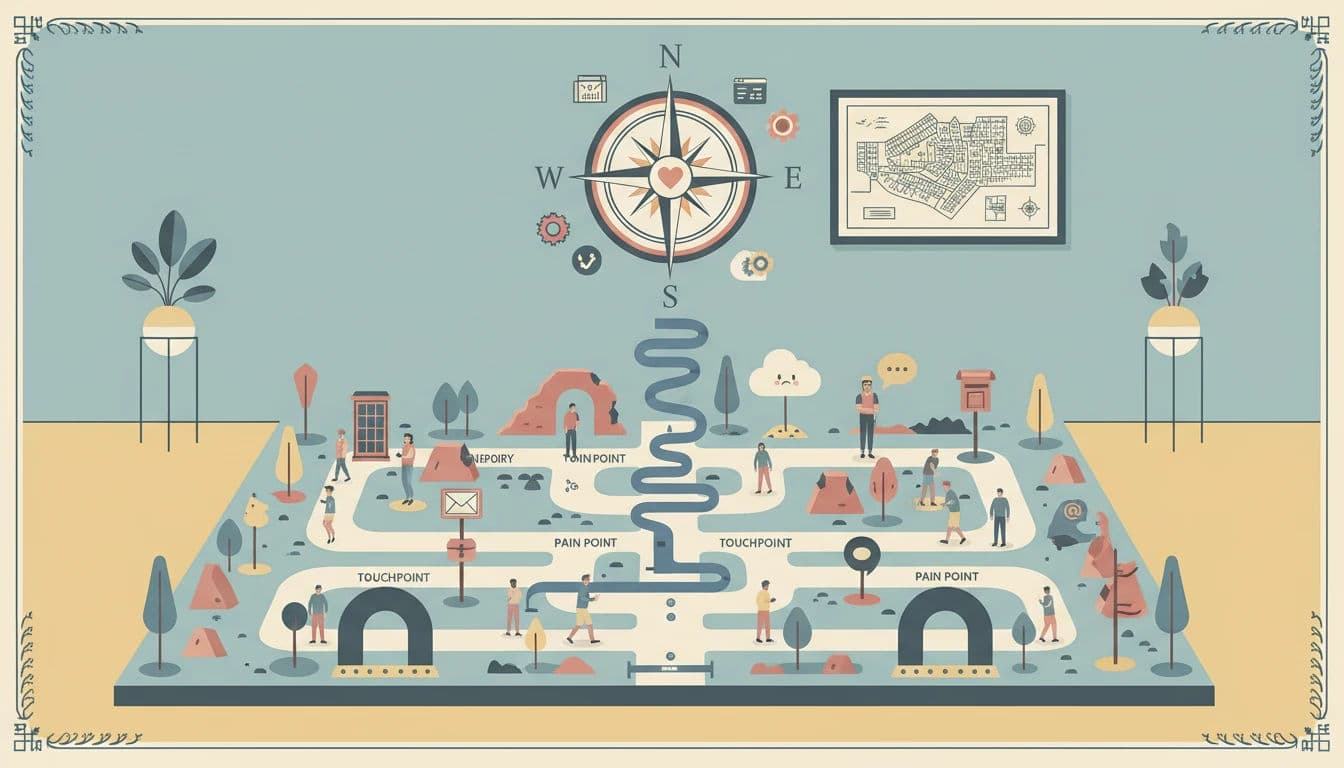
Before configuring software, you must understand your customer's path. Where do they typically start? Do they move from Instagram to the website? Do they call after emailing? Mapping these journeys helps you identify friction points and decide which channels to prioritize. Not every business needs every channel; prioritize those where your customers are most active.
Step 3: Train for Context Switching
While the software unifies the interface, agents need training on the soft skills of omnichannel support. Writing a chat response requires a different tone and speed than drafting an email or speaking on the phone. Agents must be trained to adapt their communication style instantly while maintaining a consistent brand voice. Furthermore, they need training on how to scan historical data quickly to personalize the interaction.
Step 4: Establish Unified KPIs
Stop measuring channels in isolation. Instead of just tracking "Email Response Time," track "First Contact Resolution" across the board. Monitor "Total Resolution Time" regardless of how many channels were used. This encourages agents to solve the problem efficiently rather than just closing a ticket on a specific channel to meet a siloed metric.
Try AuthenCIO
Move to faster, smarter software evaluation with AI
Conclusion: The Future of Customer Engagement
The trajectory of customer service is clear: fragmentation is out, and unification is in. As we move further into the digital age, the tolerance for disjointed experiences will continue to plummet. The businesses that capture value will be those that treat support not as a series of tickets, but as a continuous, evolving relationship.
Before you select a vendor, use this Omnichannel Readiness Checklist:
Have we mapped our top 3 customer journeys?
Is our CRM data clean and ready for integration?
Do we have a defined brand voice for both synchronous (chat/voice) and asynchronous (email) channels?
Have we audited our current security compliance for data sharing?
Omnichannel support is the technical and operational manifestation of customer-centricity. By breaking down silos, empowering agents with data, and selecting the right software partners—whether it's the robust ecosystem of Zendesk, the messaging focus of respond.io, or the human touch of ruby—you position your business to thrive.