
Introduction
In 2026, the "blank canvas syndrome" is officially a thing of the past. Artificial intelligence has fundamentally transformed visual collaboration platforms from static digital whiteboards into dynamic, generative workspaces. When conducting an AI visual collaboration platforms comparison for your enterprise, it becomes immediately clear that selecting the right platform is no longer just about finding a shared digital space for sticky notes. It is about deploying a visual engine that accelerates decision-making, automates tedious formatting, and bridges the gap between unstructured ideation and technical execution.
Streamline your software evaluation process
Today's top platforms offer agentic AI features. Unlike traditional generative AI that simply responds to one-off prompts, agentic AI autonomously executes multi-step workflows—such as synthesizing user research into structured wireframes or organizing workshop data—without requiring constant human intervention. However, there is no one-size-fits-all solution. The best software for an agile software development team may not be the right fit for a creative marketing agency.
This guide evaluates the top 10 AI-powered visual collaboration tools of 2026. We will break down their primary use cases, AI maturity, collaboration features, and pricing to help you make an informed, data-backed procurement decision for your cross-functional team.
Top 10 AI Visual Collaboration Tools
Miro — best for enterprise‑scale brainstorming and workflow mapping
FigJam — best for design‑centric team ideation and prototyping
Lucidchart — best for structured diagramming and process visualization
Mural — best for visual workshops and agile collaboration
Microsoft Whiteboard — best for seamless integration with Office 365 teams
Whimsical — best for product design and wireframing collaboration
Creately — best for workflow visualization and diagramming across teams
Excalidraw — best for quick sketching and lightweight collaboration
Canva Whiteboards — best for creative brainstorming with design templates
Stormboard — best for data‑driven collaboration and innovation tracking
Quick Comparison: Top AI Whiteboarding Tools for Teams
Tool | Best For | AI Features | Collaboration Features | Primary Integrations | Price (USD $) | Free Plan |
Miro | Enterprise Visual Workflows | Auto-clustering, diagram generation | Multi-modal sync, video chat | Jira, Asana, Azure DevOps | Free, Starts at $8.00/mo | Yes |
FigJam | UX/UI & Product Teams | Design widgets, auto-summarization | Audio chat, high-fives | Figma, Jira, GitHub | Free, Starts at $3.00/mo | Yes |
Lucidchart | Technical Diagramming | Process mapping, automated ERDs | Data linking, version control | AWS, Azure, Confluence | Custom | Yes |
Mural | Agile & Workshops | AI facilitation, sentiment analysis | Timers, voting, private mode | Webex, Teams, Zoom | Free, Starts at $9.99/mo | Yes |
MS Whiteboard | M365 Ecosystems | Copilot AI generation, summaries | Teams integration, Loop | Microsoft 365, SharePoint | Included in M365 | Yes (Basic) |
Whimsical | Rapid Wireframing | AI wireframes, instant flowcharts | Real-time multiplayer | Notion, GitHub, Slack | Free, Starts at $10.00/mo | Yes |
Creately | Data-Linked Workspaces | AI database connections | 2-way data sync, tasks | Google Workspace, HRIS | Free, Starts at $8.00/mo | Yes |
Excalidraw | Hand-Drawn Diagrams | Text-to-diagram, code generation | End-to-end encryption | VS Code, Obsidian | Free, Starts at $6.00/mo | Yes |
Canva Whiteboards | Marketing Teams | Magic Studio AI, text-to-image | Brand kits, asset library | HubSpot, Hootsuite, Slack | Free, Starts at $15.00/mo | Yes |
Stormboard | Structured Meetings | AI data reporting, structured exports | Bi-directional ticket sync | Jira, Rally, Azure DevOps | Free, Starts at $10/mo | Yes |
*Note: All prices shown reflect typical monthly billing. Vendors often offer lower pricing for annual commitments, but those discounts are excluded here for easier comparison. Actual costs may vary depending on your requirements, usage volumes, and negotiated terms.
Software covered in this article
To help you evaluate AI Visual Collaboration Tools in the right context, this article compares it against a carefully curated set of Key players:










Methodology: How We Evaluated AI Collaboration Tools in 2026
To ensure this evaluation provides actionable value for product managers, engineering leaders, and UX designers, we analyzed over 40 platforms before narrowing the list to the top 10. Our methodology for 2026 focuses on four critical enterprise pillars:
AI Maturity and Agentic Capabilities: We looked beyond basic generative text. We evaluated how well each platform's AI can autonomously organize data, synthesize complex inputs, and generate multi-modal outputs (like sketch-to-prototype).
Integration Depth: A visual tool is useless if it creates a data silo. We prioritized platforms that offer bi-directional syncing with core development and design ecosystems (e.g., Jira, GitHub, Figma).
Enterprise Security and Governance: We assessed data residency options, SOC 2 compliance, and whether platforms offer private LLM hosting to protect sensitive intellectual property from being used to train public models.
Total Cost of Ownership (TCO): We analyzed base subscription costs alongside the hidden costs of AI token usage and premium compute seats to determine true enterprise value.
AI Workflow Coverage: Beyond general collaboration, we evaluated whether each platform offers dedicated capabilities for mind mapping, flowcharts, technical diagramming, process mapping, and collaborative prototyping. Platforms that provide purpose-built workflows rather than generic whiteboards scored higher because they support more specialised enterprise use cases
The Best AI-Powered Visual Collaboration Software of 2026
1. Miro: Best for Scalable AI-Assisted Visual Workflows
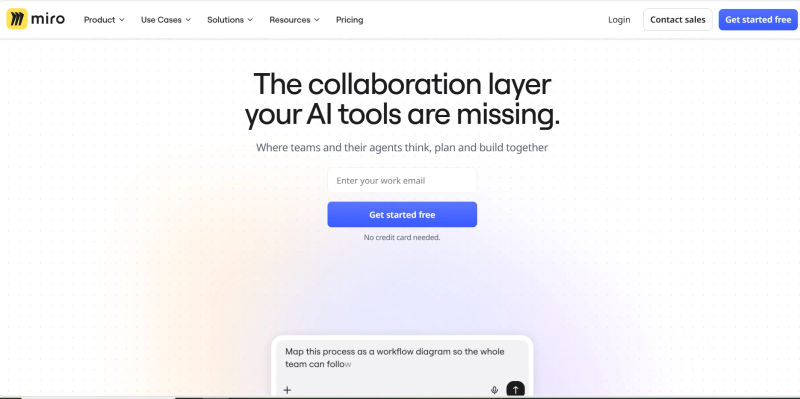
Miro holds the number one spot for enterprise teams requiring a highly scalable, all-in-one visual workspace. Who is this best for? Cross-functional enterprise teams—spanning product, engineering, and design—that need a centralized hub for complex, multi-stage projects. Rather than excelling in just one niche, Miro provides a comprehensive suite of tools designed to manage the entire project lifecycle from initial discovery to final execution.
In 2026, Miro’s artificial intelligence capabilities have matured significantly. The platform offers robust AI-powered mind mapping that instantly expands core concepts into comprehensive strategic branches based on market data. For technical teams, its diagramming and automated flowcharts reduce hours of manual alignment, while intelligent process mapping tools can synthesize user interview transcripts into actionable workflows. Product managers utilizing Miro for prototyping and brainstorming benefit from dynamic templates that adapt based on the context of the session and the participants involved.
Beyond individual features, Miro excels in real-time collaboration. Its AI-assisted visual workflows seamlessly bridge the gap between unstructured ideation and structured agile development. The platform can automatically cluster sticky notes by theme and sync those insights directly to Jira, Asana, or Azure DevOps, ensuring that visual ideas never get lost in translation.
Why Miro is more than a digital whiteboard
Unlike many visual collaboration platforms that focus on brainstorming alone, Miro has expanded into a broader visual workspace covering several specialised disciplines.
AI Mind Mapping
Teams can generate and expand mind maps from a single prompt, automatically creating related branches and helping organise complex ideas during brainstorming or strategic planning.
Technical Diagramming
Miro now includes dedicated diagramming capabilities with support for UML, ER diagrams, BPMN, cloud architecture, Kubernetes and AWS diagrams, making it suitable for engineering and IT teams alongside product teams.
Process Mapping
Business teams can build BPMN diagrams, swimlane diagrams and value stream maps while using AI to generate the initial workflow structure from natural language descriptions.
Collaborative Prototyping
Rather than replacing specialised design software, Miro focuses on collaborative product discovery. Teams can generate prototypes from existing documentation, gather stakeholder feedback and refine ideas before handing designs off for implementation.
Best For: Cross-functional enterprise teams.
Strategic Trade-off: The sheer volume of features and capabilities can present a steep learning curve for non-power users who just want a simple drawing board.
Starting Price: $8.00 per user/month.
2. FigJam: Best for Seamless UX/UI Design Integration
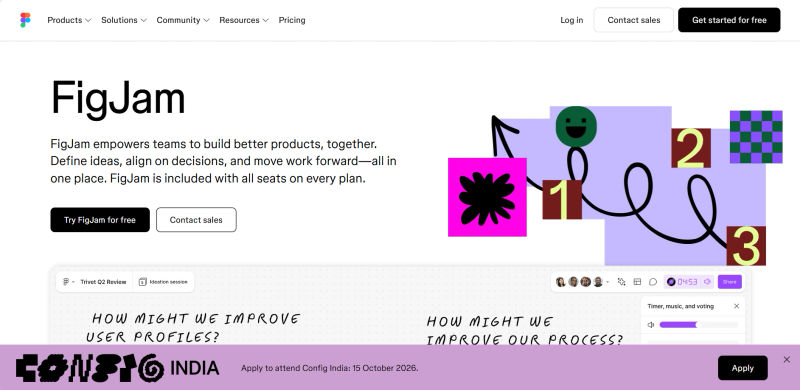
Who is this best for? UX/UI designers, product managers, and research teams whose workflows are already deeply embedded in the Figma ecosystem. FigJam is specifically engineered to eliminate the friction of cross-functional handoffs between design and product, making it the premier choice for design-led organizations.
FigJam’s AI features are highly tailored to the product design lifecycle. By 2026, its agentic AI can instantly synthesize massive boards of user research sticky notes into structured product requirements. The platform features AI widgets that can generate boilerplate wireframes, suggest design system components, and automatically create standardized templates for sprint retrospectives or user journey mapping. This allows designers to spend less time on administrative board setup and more time on high-fidelity design work.
Collaboration in FigJam is inherently playful and highly engaging. Features like cursor chats, audio calls, high-fives, and integrated voting make remote brainstorming sessions feel energetic. Crucially, its interoperability with Figma is unmatched; teams can seamlessly copy and paste assets between FigJam and Figma without losing component properties or auto-layout settings.
Best For: Design-centric teams using Figma.
Strategic Trade-off: FigJam lacks the deep, data-linked technical diagramming tools required by advanced cloud architects and backend engineers.
Starting Price: $3.00 per user/month.
3. Lucidchart: Best for Intelligent Enterprise Diagramming
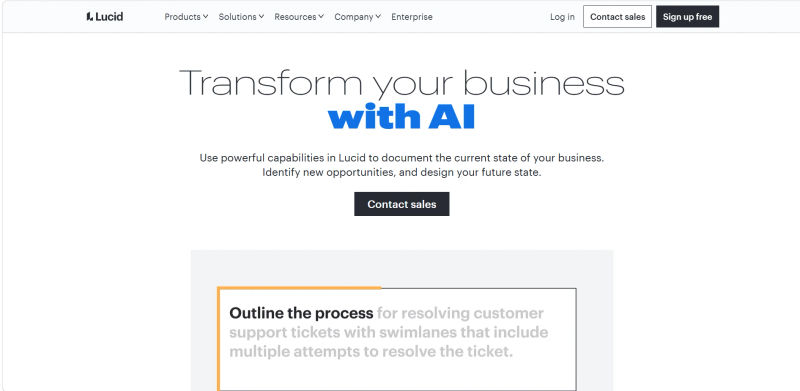
Who is this best for? Engineering managers, IT architects, and technical consultants who require precise, data-backed technical diagramming and cloud architecture visualization. Lucidchart is less of a free-form brainstorming canvas and more of an intelligent, structured diagramming engine.
Lucidchart’s AI capabilities are purpose-built for technical accuracy. In 2026, the platform leverages AI to automate complex process mapping and generate Entity-Relationship Diagrams (ERDs) directly from natural language prompts or SQL imports. Its AI can analyze existing AWS, Azure, or Google Cloud environments and automatically generate current-state architecture diagrams, highlighting potential security vulnerabilities or compliance gaps. This drastically reduces the time engineers spend on system documentation.
From a collaboration standpoint, Lucidchart shines in its ability to link visual shapes directly to live data sets. Teams can collaborate on complex diagrams with confidence, utilizing robust version control, document branching, and deep integrations with Confluence, Jira, and GitHub. This ensures that technical documentation remains a living, accurate reflection of the codebase.
Best For: IT, engineering, and systems architecture teams.
Strategic Trade-off: The platform's rigid, structured nature can feel restrictive for creative teams looking for a free-form, infinite brainstorming canvas.
Starting Price: Custom pricing.
4. Mural: Best for AI-Guided Facilitation and Workshops
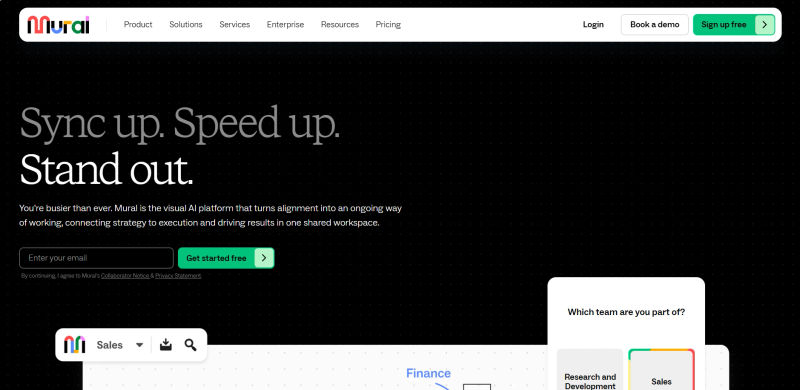
Who is this best for? Agile coaches, innovation consultants, and enterprise facilitators who run structured workshops, design sprints, and PI (Program Increment) planning sessions. Mural is designed from the ground up to empower the facilitator and ensure meetings yield actionable results.
Mural’s AI is specifically tuned to enhance the facilitation experience. The platform features advanced AI clustering that can take hundreds of disparate sticky notes generated during a 50-person workshop and instantly categorize them by theme, sentiment, or priority. Furthermore, Mural’s AI can automatically extract action items and decisions from the canvas, generating a comprehensive post-workshop summary report in seconds.
The collaboration features are what truly set Mural apart for consultants. It offers unparalleled "Facilitator Superpowers," including timed activities, laser pointers, forced viewing (summoning all users to a specific part of the board), and a private mode that prevents groupthink by hiding sticky notes until the facilitator reveals them.
Best For: Consultants, agile coaches, and workshop facilitators.
Strategic Trade-off: Without strict facilitator control, the user interface can easily become cluttered and overwhelming during massive, unstructured sessions.
Starting Price: $9.99 per user/month.
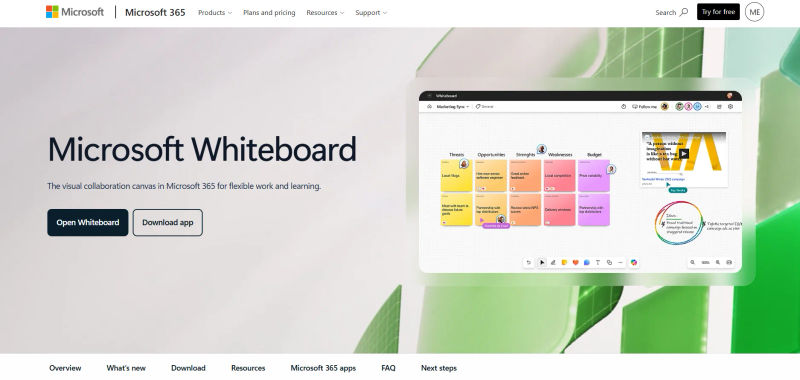
5. Microsoft Whiteboard: Best for Integrated Ecosystem Productivity
Who is this best for? Enterprises that are heavily invested in the Microsoft 365 ecosystem and require a visual collaboration tool that seamlessly integrates with Microsoft Teams, SharePoint, and Office applications without requiring additional vendor procurement.
The defining feature of Microsoft Whiteboard in 2026 is its deep, native integration with Microsoft Copilot. Copilot acts as an active participant on the canvas, capable of generating ideas, suggesting board structures based on the context of a Teams meeting transcript, and automatically summarizing visual brainstorms into Word documents or PowerPoint slides. This interoperability eliminates the siloed nature of traditional whiteboarding tools.
Collaboration is frictionless for internal enterprise teams. Microsoft Whiteboard is natively embedded into Teams meetings, allowing participants to launch a canvas with a single click. The integration of Microsoft Loop components means that a table or task list created on the whiteboard can be embedded into an Outlook email or Teams chat, remaining synchronized in real-time across all surfaces.
Best For: Organizations standardizing on Microsoft 365 and Teams.
Strategic Trade-off: It lacks the hyper-specialized features, advanced spatial computing integrations, and infinite canvas performance found in dedicated standalone tools.
Starting Price: Included in most Microsoft 365 commercial plans.
6. Whimsical: Best for Rapid AI Wireframing and Ideation
Who is this best for? Product managers, developers, and founders who prioritize speed and simplicity over complex, feature-heavy canvases. Whimsical is designed for rapid wireframing, quick flowcharts, and fast-paced visual documentation.
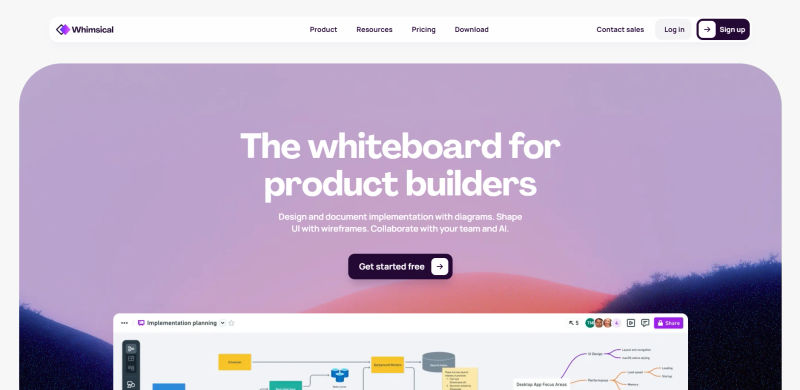
Whimsical differentiates itself by intentionally limiting formatting options to maintain a clean, standardized aesthetic. In 2026, its AI features are focused entirely on speed. Users can generate comprehensive wireframes, user flows, and mind maps simply by typing a prompt. The AI understands UI/UX best practices, ensuring that the generated wireframes are not just placeholders, but structurally sound starting points for product development.
The collaboration experience is highly responsive, featuring real-time multiplayer capabilities that never lag, even on complex boards. Whimsical integrates beautifully with tools like Notion and GitHub, allowing product managers to embed live, auto-updating flowcharts directly into PRDs (Product Requirements Documents) or engineering wikis.
Best For: Fast-moving product and engineering teams.
Strategic Trade-off: The intentionally limited formatting and styling options, while great for speed, may frustrate creative teams who want full visual control over their assets.
Starting Price: $10.00 per user/month.
Find Perfect Software for Your Business
7. Creately: Best for Data-Linked Visual Knowledge Management
Who is this best for? Operations managers, HR teams, and project management offices (PMOs) that need to connect visual diagrams with underlying databases. Creately bridges the gap between a free-form whiteboard and a structured relational database.
Creately’s AI is uniquely focused on data connectivity and knowledge management. Instead of just generating static shapes, the AI helps map visual elements to custom databases. For example, an organizational chart built in Creately isn't just a collection of boxes; each box is an AI-linked record containing employee data, performance metrics, and contact information. The AI can automatically update the visual diagram if the underlying data changes, and vice versa.
Collaboration in Creately revolves around this 2-way data sync. Teams can manage tasks, assign resources, and track project statuses directly on the canvas. It acts as a visual front-end for complex operational workflows, integrating deeply with enterprise tools to ensure that the visual board is always a single source of truth.
Best For: Operations, HR, and project management teams.
Strategic Trade-off: There is a significantly steeper initial setup time required to map databases correctly compared to simple drag-and-drop drawing tools.
Starting Price: $8.00 per user/month.
8. Excalidraw: Best for Lightweight, Hand-Drawn AI Sketches
Who is this best for? Software developers, technical writers, and open-source advocates who prefer a minimalist, hand-drawn aesthetic for their technical documentation and architecture diagrams.
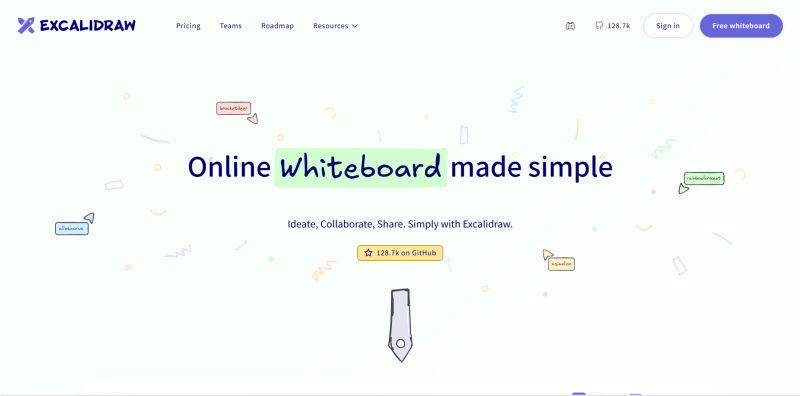
Excalidraw has evolved from a simple open-source sketching tool into a powerful, AI-augmented platform by 2026. Its AI capabilities include advanced text-to-diagram generation, allowing developers to paste a block of code or a technical prompt and instantly receive a hand-drawn style architecture flow. Furthermore, its integration with advanced LLMs allows users to generate functional front-end code directly from a sketched wireframe on the canvas.
The platform is beloved by the developer community for its lightweight nature and strict privacy standards, offering robust end-to-end encryption. Collaboration is seamless and requires no mandatory account creation for guest users, making it incredibly easy to spin up a quick collaborative session during a pair-programming exercise or technical interview.
Best For: Developers, technical educators, and privacy-conscious teams.
Strategic Trade-off: It lacks native high-fidelity prototyping and the robust enterprise admin governance controls found in platforms like Miro or Mural.
Starting Price: $6.00 per user/month (Excalidraw+).
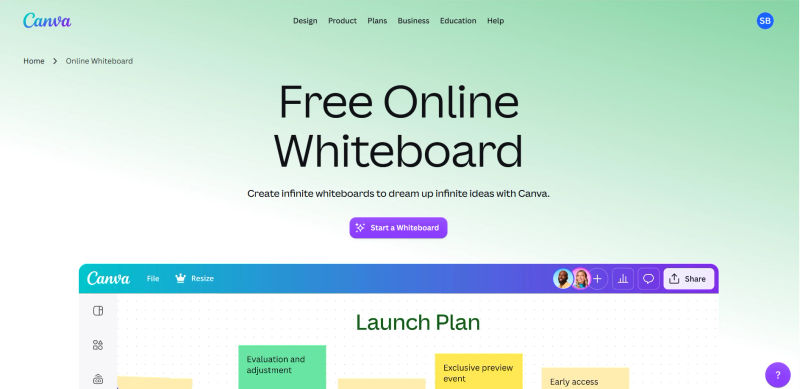
9. Canva Whiteboards: Best for Creative Marketing Collaboration
Who is this best for? Marketing agencies, content creators, and brand teams that require a highly visual, asset-rich environment for campaign ideation and creative planning.
Canva Whiteboards leverage the immense power of Canva’s Magic Studio AI. In 2026, marketing teams can use AI to generate on-brand imagery, draft campaign copy, and automatically format mood boards directly on an infinite canvas. The AI understands brand guidelines, ensuring that any generated visual asset or text adheres to the company’s specific tone and color palette.
Collaboration is tailored for creative review cycles. Teams have access to Canva’s massive library of stock photos, videos, and graphics directly within the whiteboard. Real-time cursors, comment threading, and seamless transition from whiteboard brainstorm to final presentation deck make it an invaluable tool for creative directors and marketing managers.
Best For: Marketing, branding, and creative teams.
Strategic Trade-off: It is heavily optimized for visual assets and marketing, making it a poor choice for technical agile workflows or code architecture planning.
Starting Price: $15.00 per user/mo.
10. Stormboard: Best for Structured AI Data Reporting
Who is this best for? Enterprise project managers and compliance officers who need to turn unstructured brainstorming sessions into highly structured, exportable data reports.
Stormboard approaches visual collaboration with a focus on output. Its AI features are designed to synthesize the chaos of a digital whiteboard into structured, actionable intelligence. In 2026, Stormboard’s AI can take a board full of hundreds of ideas, automatically categorize them by ROI and effort, and generate a comprehensive Excel spreadsheet or Word document report. It eliminates the administrative burden of post-meeting data entry.
The platform’s collaboration strength lies in its rigid, template-driven structure and bi-directional integrations. Stormboard syncs flawlessly with Jira, Rally, and Azure DevOps. A sticky note updated in Stormboard automatically updates the corresponding ticket in the development backlog, ensuring strict version control and project alignment.
Best For: Project managers, enterprise agile teams, and compliance-heavy industries.
Strategic Trade-off: The rigid, template-driven structure that makes it great for reporting can stifle the unstructured, free-flowing creative ideation that design teams prefer.
Starting Price: $10 per user/month.

Critical AI Features for Decision-Makers to Consider
As you evaluate these platforms, it is important to look beyond generic marketing buzzwords. The best AI-powered visual collaboration software in 2026 offers specific, functional capabilities that directly reduce manual labor.
1. AI-Powered Mind Mapping and Brainstorming
The blank canvas is no longer an obstacle. Modern platforms can take a single seed keyword or a brief text prompt and instantly generate a sprawling, logically organized mind map. This allows teams to start their brainstorming sessions at step five instead of step one, accelerating the ideation phase of product development.
2. Automated Flowcharts and Process Mapping
Manually dragging and dropping boxes to create a flowchart is an obsolete workflow. Today's tools utilize natural language processing to understand process descriptions and automatically generate perfectly aligned flowcharts. For engineering teams, this means architecture diagrams can be generated directly from code snippets or database schemas, drastically reducing documentation time.
3. Real-Time Collaboration and AI-Assisted Workflows
AI is now an active participant in real-time collaboration. Agentic workflows can listen to a voice-to-canvas prompt, transcribe the discussion, extract key action items, and automatically assign those tasks to team members within integrated project management tools like Jira or Asana. This ensures that the momentum generated during a visual collaboration session translates directly into executed tasks.
How to Choose the Right AI Visual Collaboration Tool in 2026
Selecting the best AI-powered visual collaboration software requires a strategic approach. To make a smart procurement decision, decision-makers must evaluate platforms based on specific enterprise requirements, integration depth, and the true utility of their AI features.
1. AI Maturity & Agentic Workflows
Do not be swayed by tools that simply bolt a generic AI chatbot onto a digital canvas. Look for features that actively reduce administrative burden—such as autonomous sticky note clustering, automated meeting summarization, and the ability to synthesize user interview transcripts into actionable wireframes. Crucially, ensure the tool supports "human-in-the-loop" workflows. Your team must be able to easily verify, edit, and refine AI-generated architectures to prevent AI hallucinations from negatively impacting technical documentation.
2. Integration Ecosystem
A visual collaboration platform is only as useful as its ability to connect with your existing tech stack. Fragmented toolstacks lead to visual ideas getting lost and never making it into the development backlog.
If you are a design team, deep, bi-directional integration with Figma is non-negotiable.
If you are an engineering team, syncing with Jira, GitHub, or Azure DevOps is critical.
If you are an enterprise IT department, native integration with Microsoft 365 or Google Workspace will drive higher user adoption.
3. Security & AI Ethics
As visual collaboration tools evolve into central repositories for enterprise knowledge, security is paramount. When evaluating a tool, audit its AI ethics and bias policies. Decision-makers must ask: Is our proprietary data being used to train the vendor's public LLMs? Look for platforms that offer enterprise-grade security, strict SOC 2 compliance, robust data residency options, and the ability to host private LLMs to protect sensitive intellectual property.
4. Total Cost of Ownership (TCO)
Look beyond the base per-user subscription price. In 2026, many platforms utilize token-based pricing for advanced AI generation. Analyze the hidden costs of AI tokens, premium compute seats, and add-on features. A tool with a slightly higher base price but unlimited AI usage may offer a better TCO than a cheaper tool that monetizes every AI prompt and penalizes heavy users.
5. Accessibility and Compliance
For enterprise and government contracts, accessibility is not optional. Ensure the platform you choose complies with WCAG 2.1+ standards. Features like screen reader compatibility, high-contrast modes, and keyboard navigation are essential for maintaining an inclusive digital workspace and meeting strict procurement compliance requirements.
6. Data Portability and Change Management
Finally, consider the risk of vendor lock-in. Before committing to a platform, evaluate its data portability. How easy is it to export complex visual boards into standard formats (like PDF, CSV, or SVG)? Robust migration tools are critical for change management, ensuring that if you need to switch platforms in the future, your historical brainstorming data and architectural diagrams can be easily transferred.
Try AuthenCIO
Move to faster, smarter software evaluation with AI
Conclusion: Choosing the Right Engine for Your Team
The landscape of AI-powered visual collaboration software in 2026 is highly specialized. While Miro remains the top choice for comprehensive, enterprise-wide visual workflows, it is not the default winner for every scenario. FigJam offers unparalleled synergy for UX/UI designers, Lucidchart provides the rigor required for technical cloud architecture, and Mural delivers the control necessary for expert facilitators.
To maximize ROI and user adoption, evaluate these platforms based on your team’s primary workflow, existing software ecosystem, and specific AI requirements. We highly recommend implementing a 2-week pilot program framework. Select two platforms that best align with your needs, run a controlled design sprint or architecture mapping session with a small cross-functional team, and measure the actual reduction in time-to-decision. By aligning the tool's core strengths with your team's daily friction points, you can transform your visual collaboration platform from a simple digital whiteboard into a powerful engine for innovation and execution.